
Network Racks & Server Rack Cabinets



A properly designed network rack provides a centralized structure for organizing switches, routers, patch panels, NVRs, servers, power distribution equipment and structured cabling.
Safelincs Tech provides network racks, server racks and networking accessories in Nepal for offices, server rooms, CCTV systems, commercial buildings, schools, hotels and other IT infrastructure. The current range includes Network & Server Racks, Network Patch Panels, Power Distribution Units, Network Faceplates & Cable Managers and Cat6 Network Cable.
The correct network rack cabinet should be selected according to rack-unit capacity, equipment depth, load capacity, ventilation, cable management, power distribution and future network expansion.
Shop Network Racks & Server Rack Cabinets in Nepal
Explore network racks and cabinets for small network installations, commercial IT infrastructure and larger server-room applications.
Safelincs provides:
Safelincs currently lists network racks from 6U through larger 27U and 42U configurations, allowing rack size to be selected according to equipment and project requirements.
How a Network Rack Organizes IT Infrastructure?
A network rack creates a standardized mounting environment for networking, communication and surveillance equipment.
A typical rack installation may follow:
Patch Panel → Cable Manager → Network Switch → Router / Firewall → NVR / Server → PDU → UPS
The exact configuration depends on the equipment being installed. A properly designed rack makes it easier to:
Organize network devices
Manage structured cabling
Provide equipment power
Maintain ventilation
Access devices for maintenance
Add new network equipment later
Most professional rack-mounted networking equipment follows the 19-inch rack standard, while vertical rack capacity is measured in rack units or U.
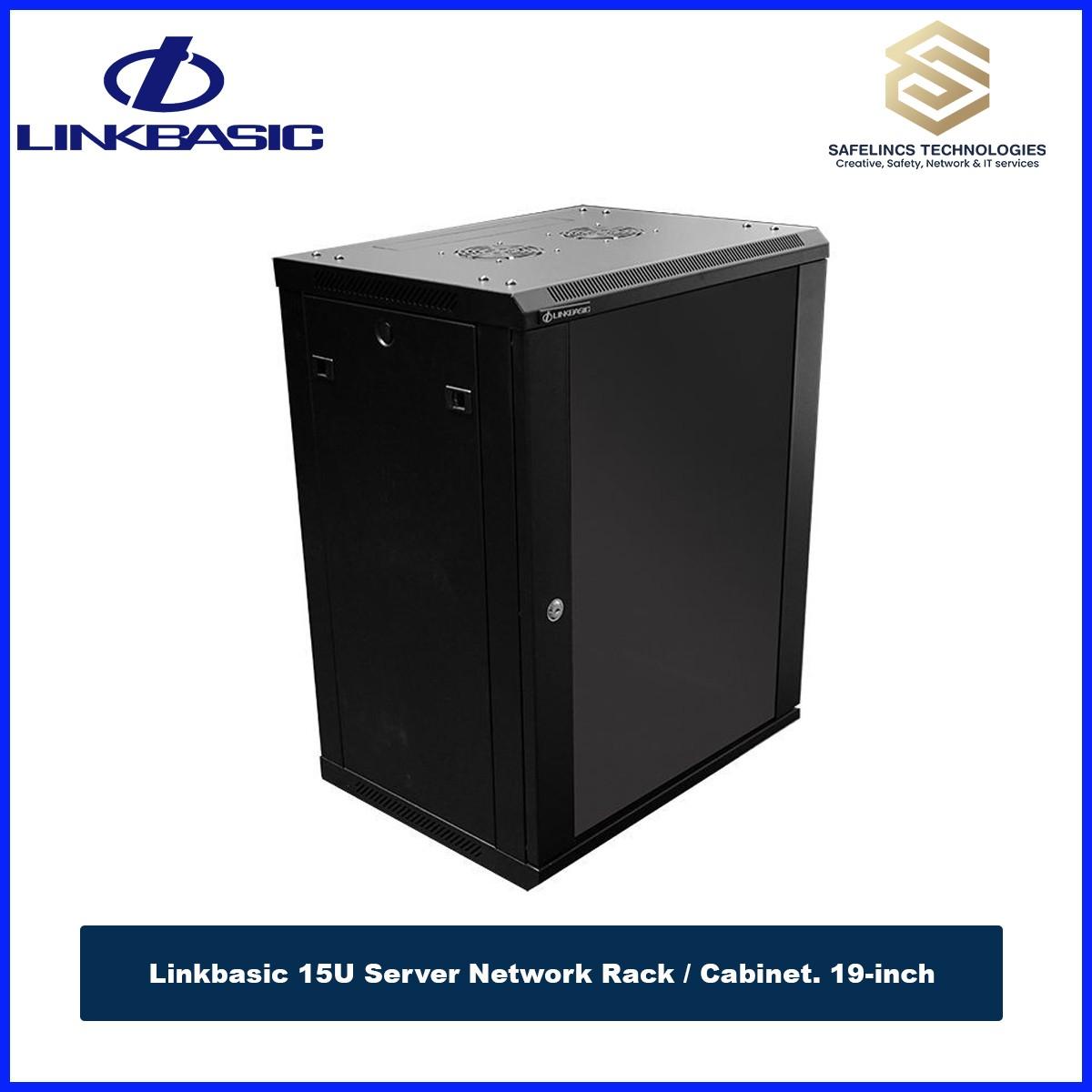
For example, the Linkbasic 15U Network Rack is a 19-inch wall-mounted cabinet with 15U of rack space, 600 × 789 × 450 mm dimensions and a listed 60 kg load capacity.
Understanding Rack Unit (U) Capacity
Rack height is commonly expressed in U, where each rack unit represents one standardized vertical mounting space.
Common rack sizes include:
6U → 9U → 15U → 27U → 42U
The right capacity should not be calculated only from the equipment currently installed.
A better planning formula is:
Current Equipment + Cable Management + Power Equipment + Ventilation Space + Future Expansion
For example, a small installation containing a patch panel, switch, router and NVR may fit within a compact rack. A growing server or enterprise network may require considerably more rack space.
Safelincs currently lists products such as:
27U Linkbasic Network Rack
42U Linkbasic Network Server Rack
within its Network & Server Rack category.
Network Rack Cabinet Size & Equipment Compatibility
Selecting a network rack cabinet requires more than choosing the required U size. The most important technical factors include:
Rack width
Usable internal depth
Equipment depth
Mounting-rail position
Cable clearance
Front and rear access
Equipment weight
Ventilation
Door and side-panel access
Network switches and patch panels generally require less depth than full-size servers or larger UPS systems.
The Linkbasic 15U Network Rack, for example, measures 600 mm wide × 789 mm high × 450 mm deep and supports standard 19-inch rack-mounted equipment. It also includes removable side panels and a removable glass front door for equipment access.
This is why equipment dimensions should be checked before choosing a server rack cabinet.
Wall-Mounted Network Rack Enclosures
Wall-mounted network rack enclosures are useful where the installed equipment is relatively compact and floor space is limited.
Typical equipment may include:
Patch panel
Network switch
Router
Firewall
CCTV NVR
PDU
Cable-management panels
For example, the Linkbasic 9U Network Rack is listed with a 60 kg loading capacity, removable front and side panels, top and bottom cable-entry channels and compatibility with 19-inch rack equipment.
For larger installations requiring servers, multiple switches, UPS systems and more expansion space, a larger floor-standing server rack may be more suitable.
Network Rack Load Capacity & Equipment Weight
Rack load capacity should be considered before mounting servers, UPS units, switches and other equipment.
The total load includes:
Rack Equipment + PDU + Cable Management + Shelves + UPS + Accessories
Heavier equipment also affects where devices should be positioned inside a rack.
Where appropriate, heavy devices are generally installed lower in a floor-standing cabinet to improve physical stability, while patch panels and cable-management components can be positioned to support clean cable routing. For wall-mounted racks, the wall structure and mounting method must also be suitable for the final installed weight.
Network Rack Cooling & Ventilation
Network switches, NVRs, servers and power equipment generate heat during operation.
Rack design should therefore maintain a clear airflow path:
Cool Air Intake → Network Equipment → Heated Air Exhaust
Technical considerations include:
Ventilation openings
Rack fans where required
Equipment spacing
Front-to-rear airflow
Room temperature
Cable obstruction
Heat output of installed equipment
The 15U Linkbasic rack currently listed by Safelincs includes ventilation and heat-dispersal features as part of its cabinet design.
Proper cable management also supports airflow by preventing large bundles of cables from blocking equipment ventilation.
Network Patch Panels & Structured Cabling
A patch panel provides a centralized termination point for structured network cabling.
Typical architecture:
Network Device → Faceplate → Cat6 Cable → Patch Panel → Patch Cord → Network Switch
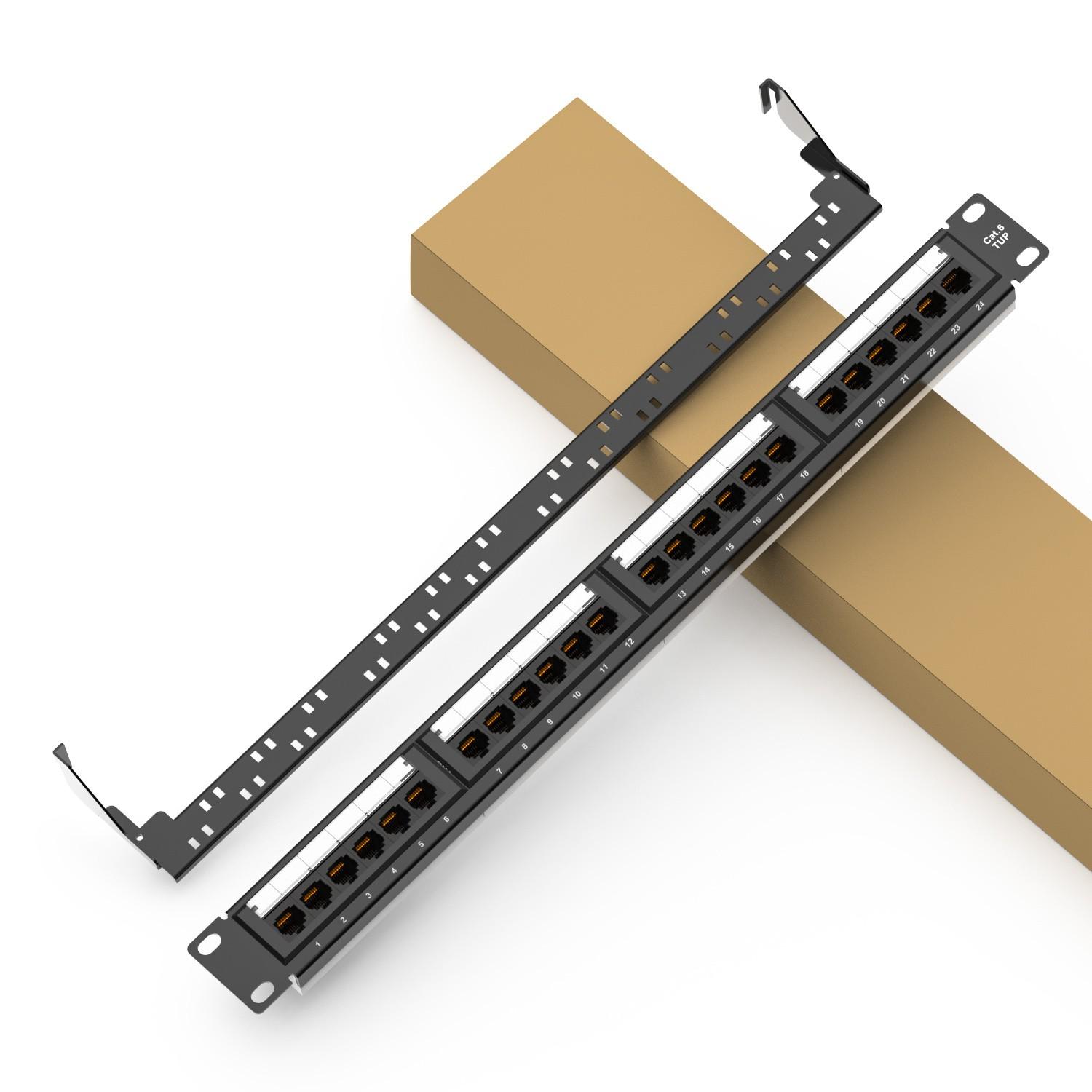
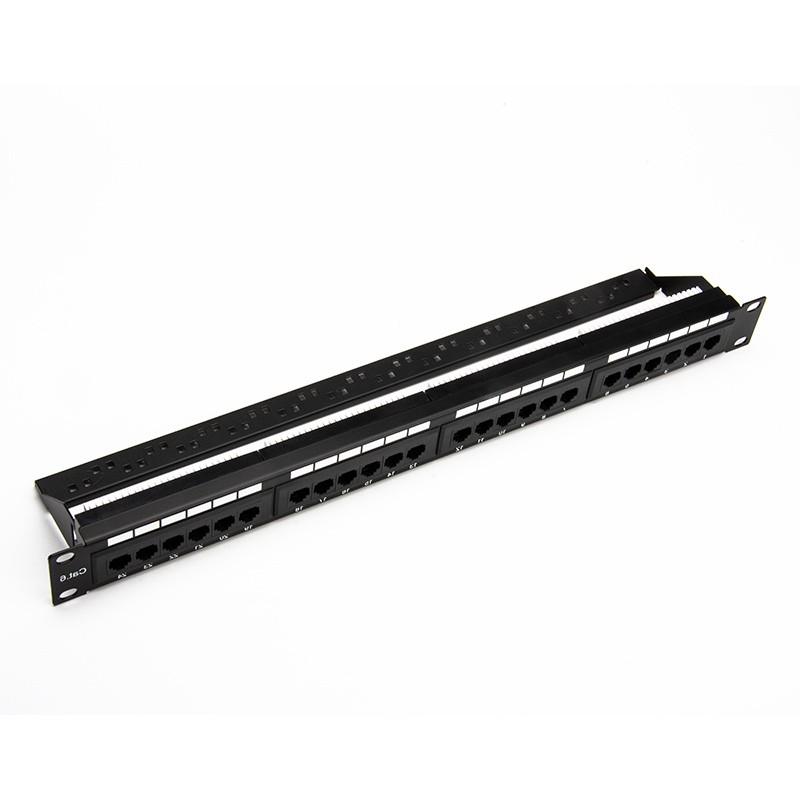
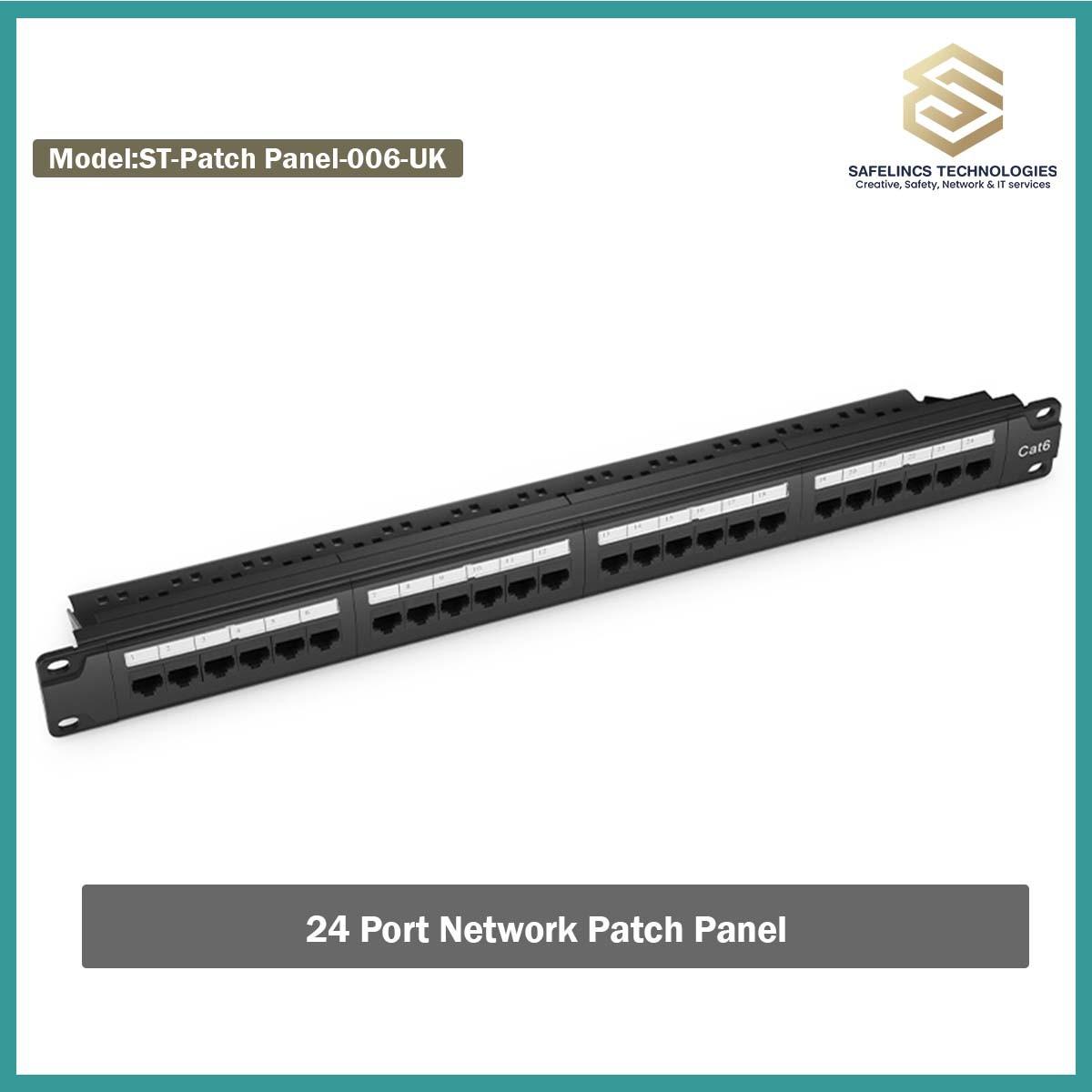
Safelincs provides dedicated Network Patch Panels for rack-based structured cabling installations.
For example, the Network Patch Panel currently listed on the website is a 24-port, 1U Cat6 UTP patch panel using 110-type punch-down termination. It supports T568A/B wiring and is specified for Gigabit and 10GBase-T networking applications.
A patch panel helps improve:
Cable organization
Port identification
Maintenance
Network changes
Troubleshooting
Rack appearance
It also prevents permanent horizontal cabling from being repeatedly connected and disconnected directly from switches.
Power Distribution Units for Server & Network Racks
A rack-mounted Power Distribution Unit (PDU) distributes electrical power to networking and server equipment inside the cabinet.
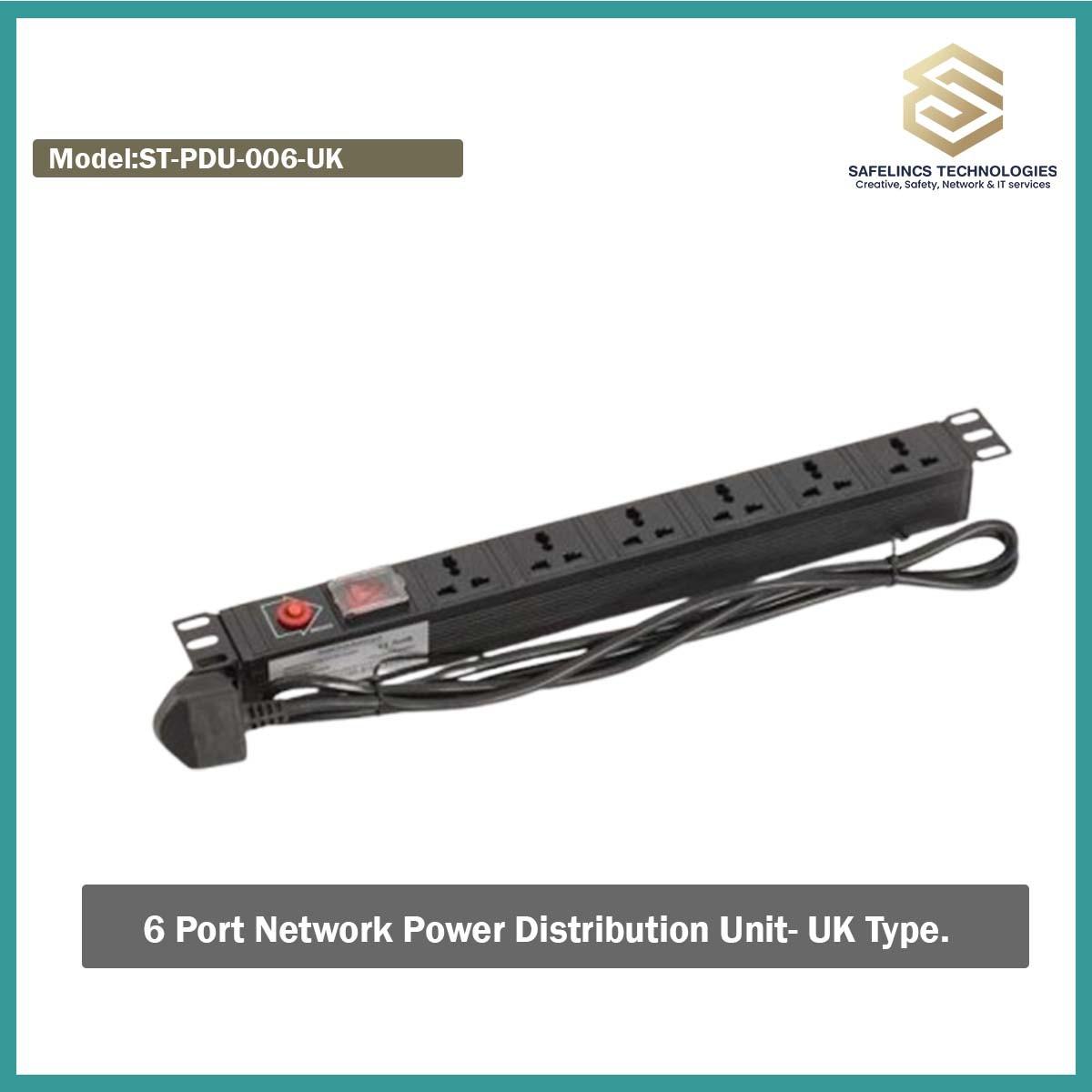
Safelincs provides Power Distribution Units designed for rack and network applications.
One example is the Network PDU (Power Distribution Unit), which is designed for 19-inch mounting and is listed with 6/8-way configurations, 10A/16A options and maximum output of up to 3500 W depending on configuration.
When choosing a rack PDU, consider:
Number of outlets
Input plug
Output socket type
Current rating
Total connected load
Rack mounting orientation
Cable length
Overload protection where provided
The connected equipment load should remain within the electrical ratings of the selected PDU.
Cable Management Inside Network Racks
Good cable management improves both maintenance and system reliability. Network racks commonly use:
Horizontal cable managers
Vertical cable routing
Patch cords
Cable ties
Labels
Cable-management bars
Correct routing helps:
Reduce cable stress
Keep patch leads organized
Maintain airflow
Improve port identification
Simplify troubleshooting
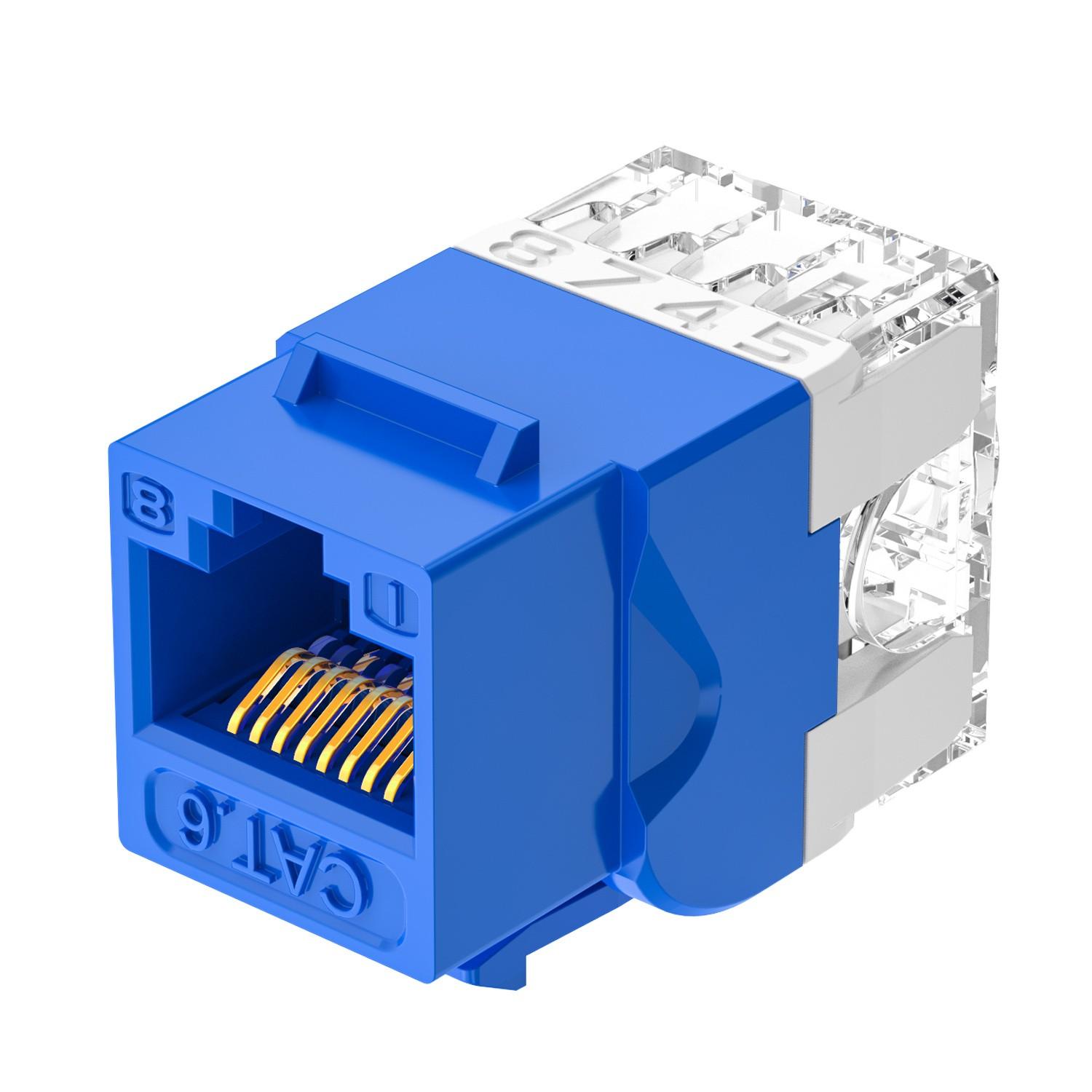
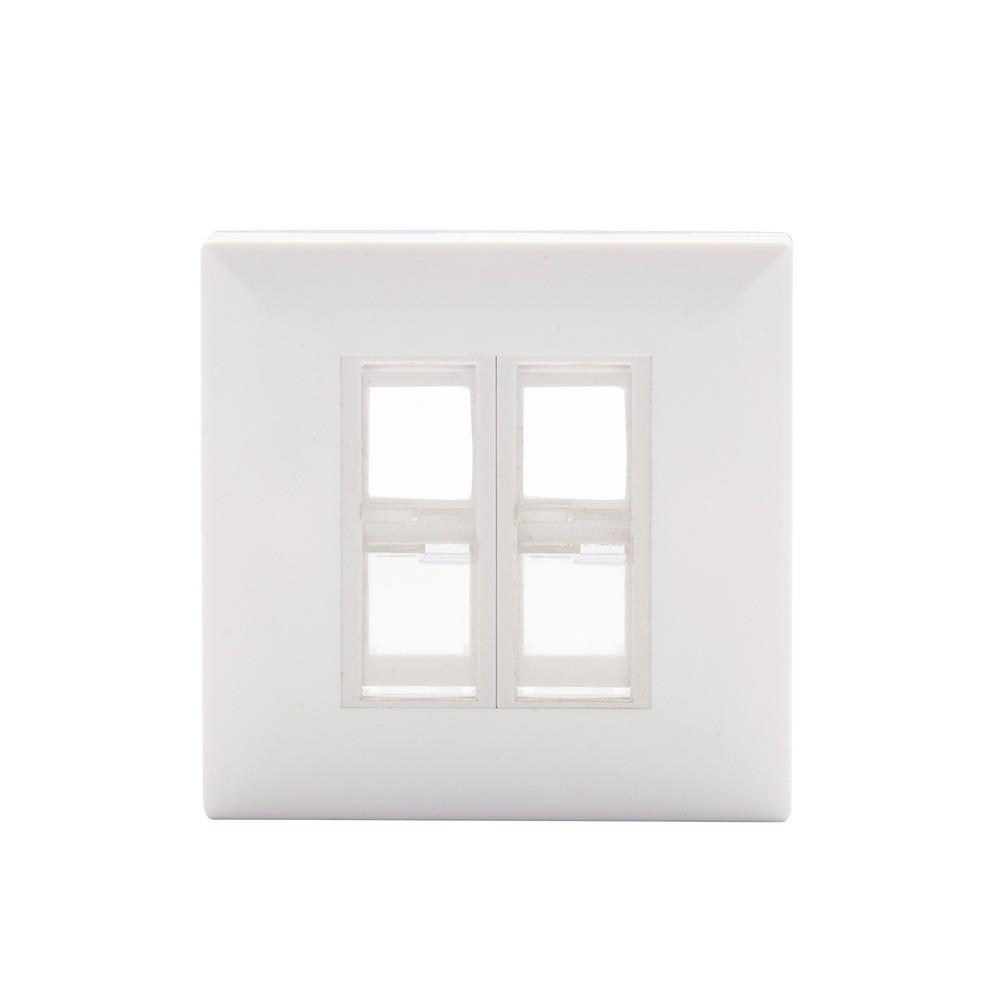
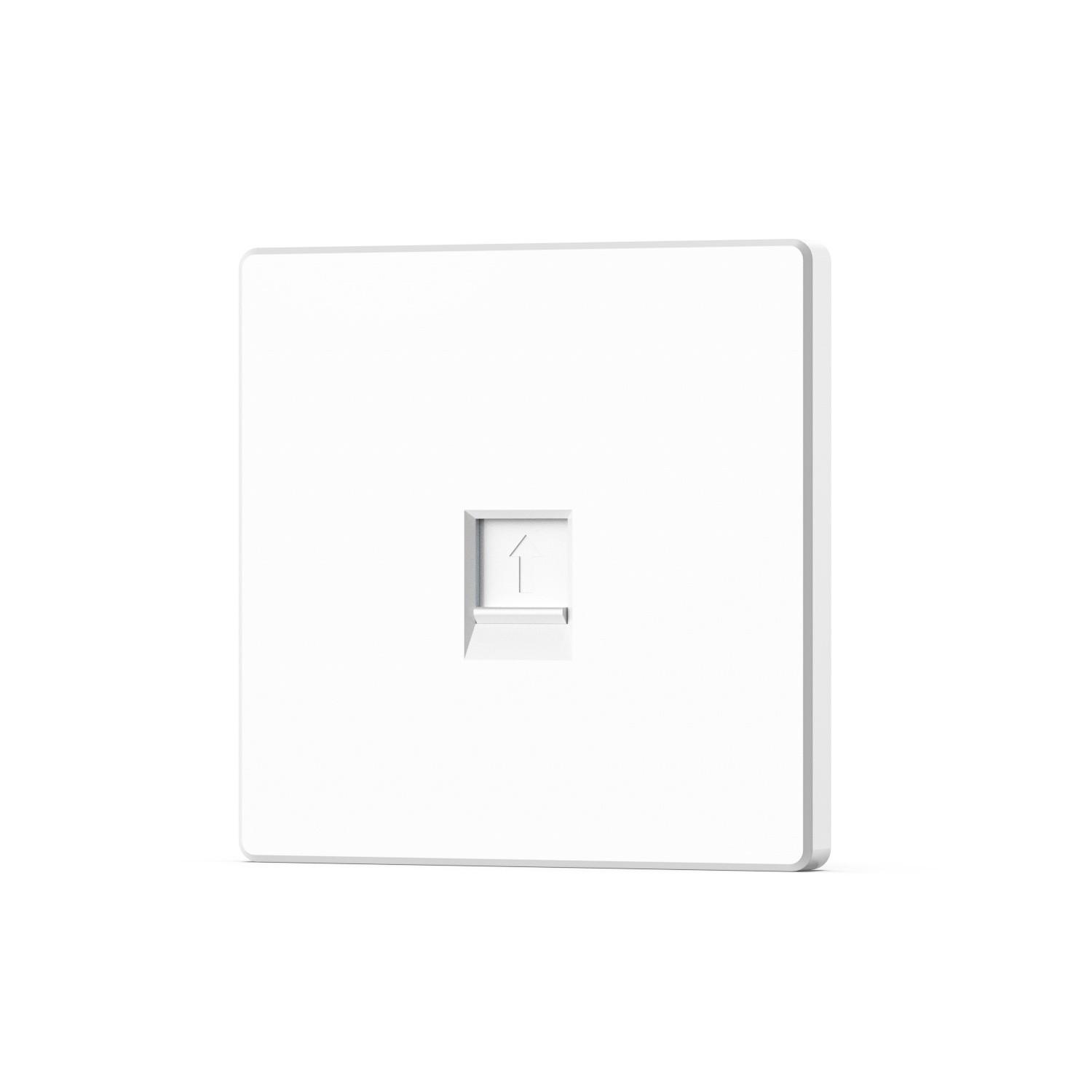
Safelincs provides Network Faceplates & Cable Managers, including network keystone jacks, faceplates and wall faceplates.
Keystone Jacks, Faceplates & Network Termination
Keystone jacks and faceplates provide the user-side termination point of a structured cabling system. A typical connection path is:
Computer / Network Device → Patch Cord → Keystone Jack → Cat6 Cable → Patch Panel → Network Switch
Safelincs currently provides:
Network Keystone Jack
Network Faceplate
Network Wall Faceplate
through its Network Faceplates & Cable Managers category.
These accessories help create standardized network outlets while keeping permanent cabling securely terminated.
Cat6 Cabling for Network Rack Infrastructure
Structured cabling connects rack-mounted switches and patch panels to network outlets and devices throughout a building.
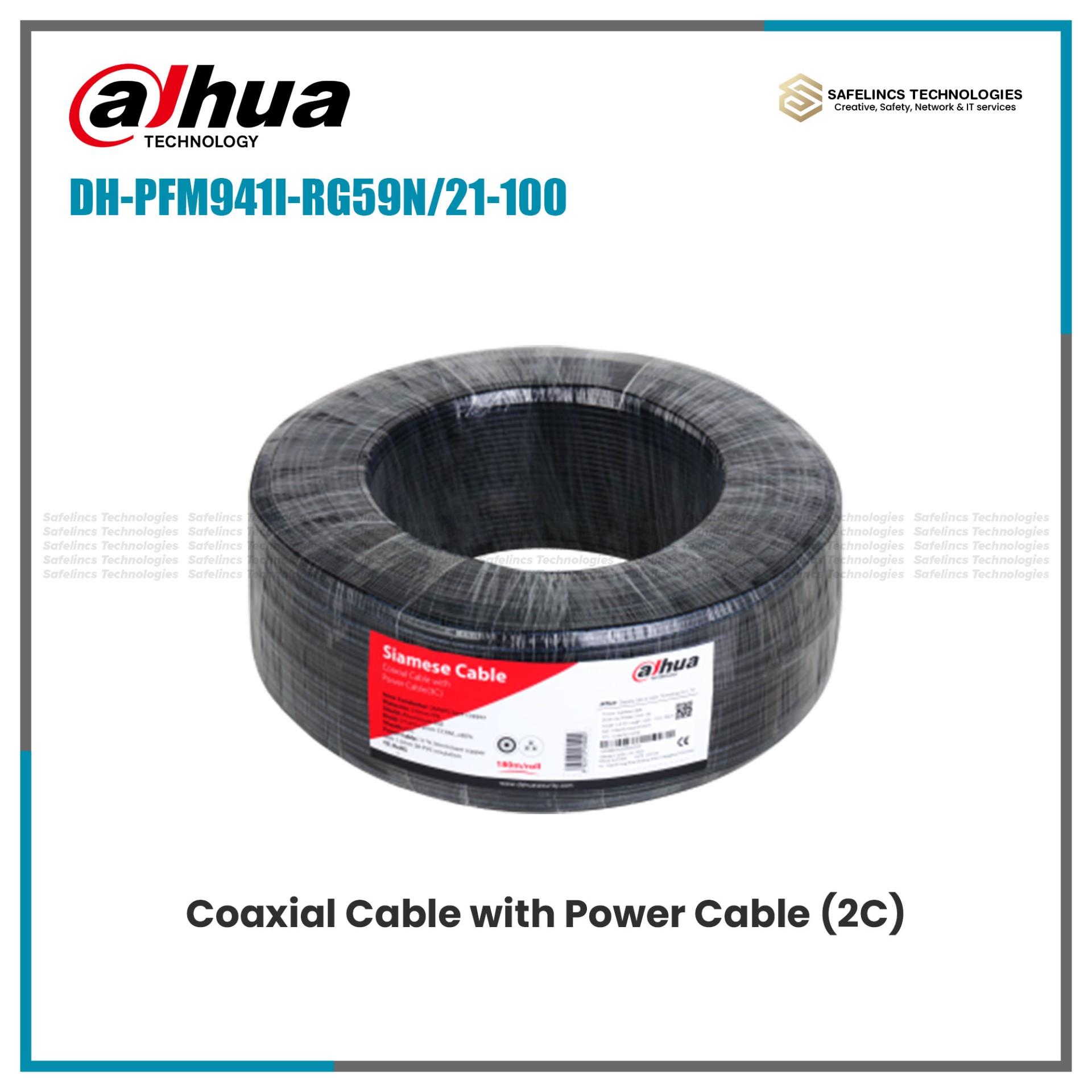
Safelincs provides a dedicated Cat6 Network Cable category containing pure-copper and CCA cable options.
Technical considerations include:
Conductor material
Cable category
Cable length
Network speed requirement
PoE requirement
Patch-panel compatibility
Installation environment
Termination quality
For network installations requiring higher reliability or PoE, cable construction and conductor quality should be evaluated carefully rather than selecting cable only according to price.
Network Rack Equipment Layout
A well-organized network rack equipment layout simplifies maintenance and cable routing.
An example arrangement could be:
1. Top of Rack
Network Patch Panel
Horizontal Cable Manager
Managed / PoE Network Switch
Cable Manager
Router / Firewall
NVR or Network Appliance
PDU
UPS / Heavy Equipment
2. Bottom of Rack
The exact order depends on the installation. Heavy equipment, cooling requirements, cable direction, power distribution and maintenance access should all influence final placement.
Users building a structured network can combine Network Racks, Patch Panels, PDUs and Cat6 Network Cable within the same rack infrastructure.
Network Racks for CCTV & Surveillance Systems
Network racks are also useful for organizing centralized CCTV infrastructure. A typical IP surveillance rack may contain:
IP Cameras → Network Cabling → PoE Switch → NVR → Router / Network
Additional equipment can include:
Patch panels
PDU
UPS
Fiber equipment
Network switches
Cable managers
Safelincs also provides CCTV Surveillance Solutions, Network Video Recorders and CCTV & Network PoE Switches, creating natural compatibility with rack-based CCTV installations.
Network Racks for Offices, Server Rooms & Businesses
Network server racks can be used in different IT environments, including:
Offices
Server rooms
Network rooms
Schools
Hotels
Warehouses
Factories
CCTV control rooms
Commercial buildings
A small office may only require a compact wall-mounted cabinet for a router, switch and patch panel. A larger business may require a higher-capacity server rack cabinet containing several switches, servers, UPS equipment, fiber termination and network-management devices.
The size of the rack should therefore reflect both present infrastructure and expected future growth.
How to Choose the Right Network Rack
Before purchasing a network rack cabinet, consider these technical factors:
1. Rack Unit Capacity: Calculate how many U spaces are currently required and leave additional capacity for expansion.
2. Equipment Depth: Confirm that the deepest installed device fits inside the rack with sufficient room for power and network cables.
3. Load Capacity: Calculate the combined weight of servers, UPS units, switches, shelves and other rack equipment.
4. Wall-Mounted or Floor-Standing: Compact installations can use wall-mounted racks, while larger and heavier infrastructure may require floor-standing cabinets.
5. Ventilation: Ensure active equipment has sufficient airflow and cooling.
6. Cable Management: Leave space for patch panels, cable managers and cable routing.
7. Power Distribution: Plan the correct PDU and UPS capacity according to the connected equipment.
8. Future Expansion: Avoid designing a rack that is completely full from the first installation.
Build a Complete Network Rack System
Safelincs Tech provides the main components required to build organized rack-based network infrastructure.
Build a complete network rack setup with Network & Server Racks for organizing switches, routers, NVRs, servers, and other rack-mounted equipment. For branded rack solutions, explore Linkbasic Network Racks available in different rack-unit sizes for small and large network installations.
For structured cabling, use Network Patch Panels to organize and terminate Ethernet connections inside the rack. Power Distribution Units can be used to distribute power efficiently to switches, routers, NVRs, and other rack-mounted devices.
To keep network cables organized, explore Network Faceplates & Cable Managers for cleaner cable routing, termination, and easier maintenance. For the main structured cabling infrastructure, Safelincs also provides Cat6 Network Cable for connecting patch panels, switches, access points, CCTV equipment, and other Ethernet devices.
A properly selected combination of rack capacity, patch panels, power distribution and cable-management products helps create a cleaner, more scalable and easier-to-maintain network installation.
Frequently Asked Questions
1. What is a network rack?
A network rack is a standardized structure used to mount and organize networking equipment such as switches, routers, patch panels, NVRs, PDUs and other rack-compatible devices.
2. What does U mean in a network rack?
U means rack unit and represents the vertical mounting space available inside a rack. Equipment and rack cabinets are commonly specified using measurements such as 1U, 6U, 9U, 15U or 42U.
3. What size network rack do I need?
The required rack size depends on the number of devices, their rack-unit requirements, equipment depth, cable-management requirements and expected future expansion.
4. What is the difference between a network rack and server rack?
Network racks are commonly used for switches, patch panels, routers and communication equipment. Server racks may require greater depth and load capacity to accommodate larger servers, UPS systems and other data-centre equipment.
5. What is a patch panel used for?
A patch panel provides centralized termination for structured network cabling and connects permanent building cables to network switches through shorter patch cords. Safelincs provides dedicated Network Patch Panels.
6. Why is a PDU used in a network rack?
A PDU distributes electrical power to devices installed inside the rack. Safelincs provides Network Rack PDUs for rack-based power distribution.
7. Can an NVR be installed inside a network rack?
Yes, provided the NVR dimensions, ventilation, mounting arrangement and rack depth are suitable. Rack installations commonly organize NVRs together with PoE switches, routers, patch panels and power equipment.
8. Should I leave empty space in a network rack?
Yes. Leaving spare rack capacity can support future equipment expansion, cable management and easier maintenance instead of filling the cabinet completely from the beginning.