Printers Scanner & Photocopy Machine
Barcode Scanner's & Barcode Printer's
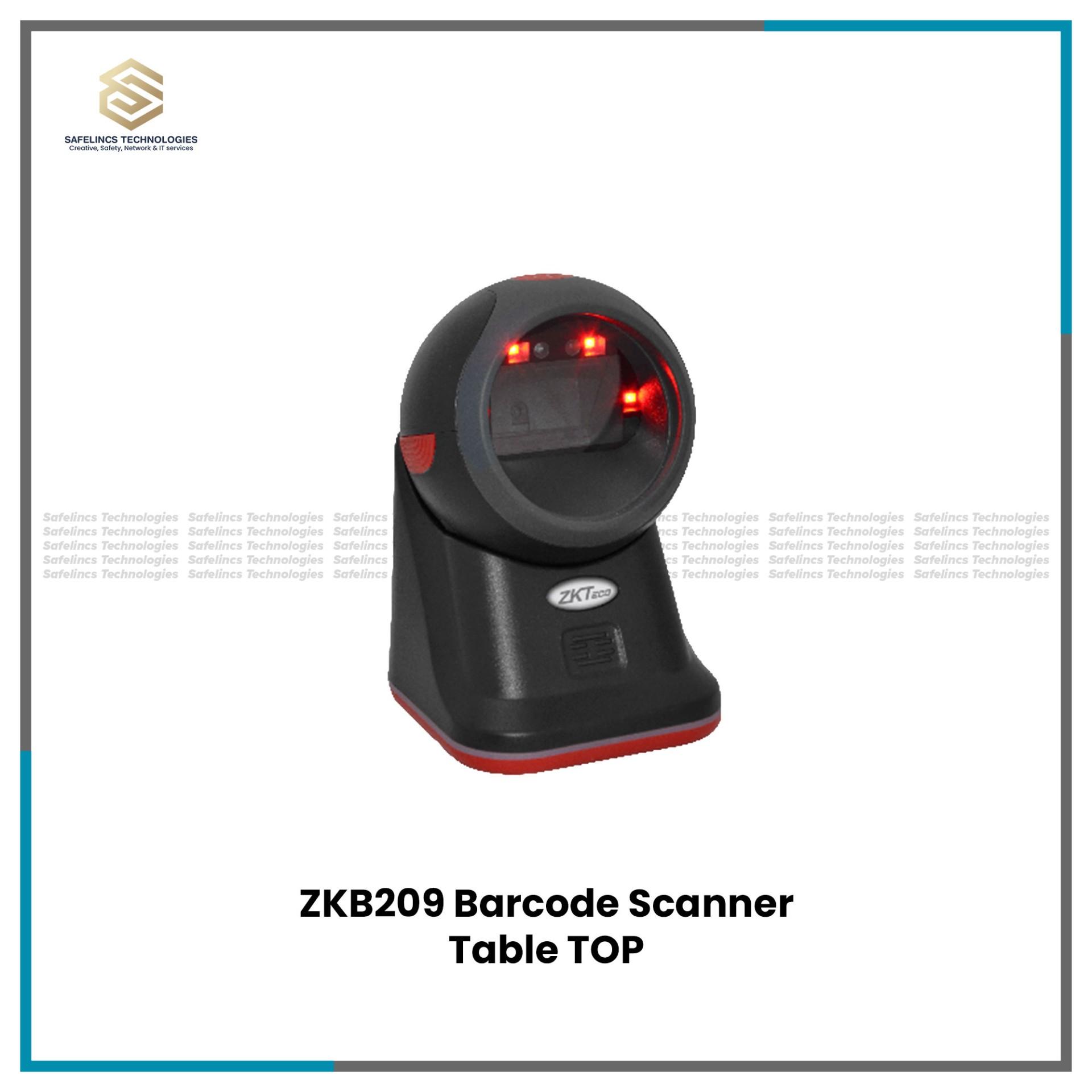
ZKTeco ZKB209 2D Barcode Scanner | Table ScannerRs. 14,300
Rs. 15,000-4% OFF
POS & Thermal Billing Receipt Printers
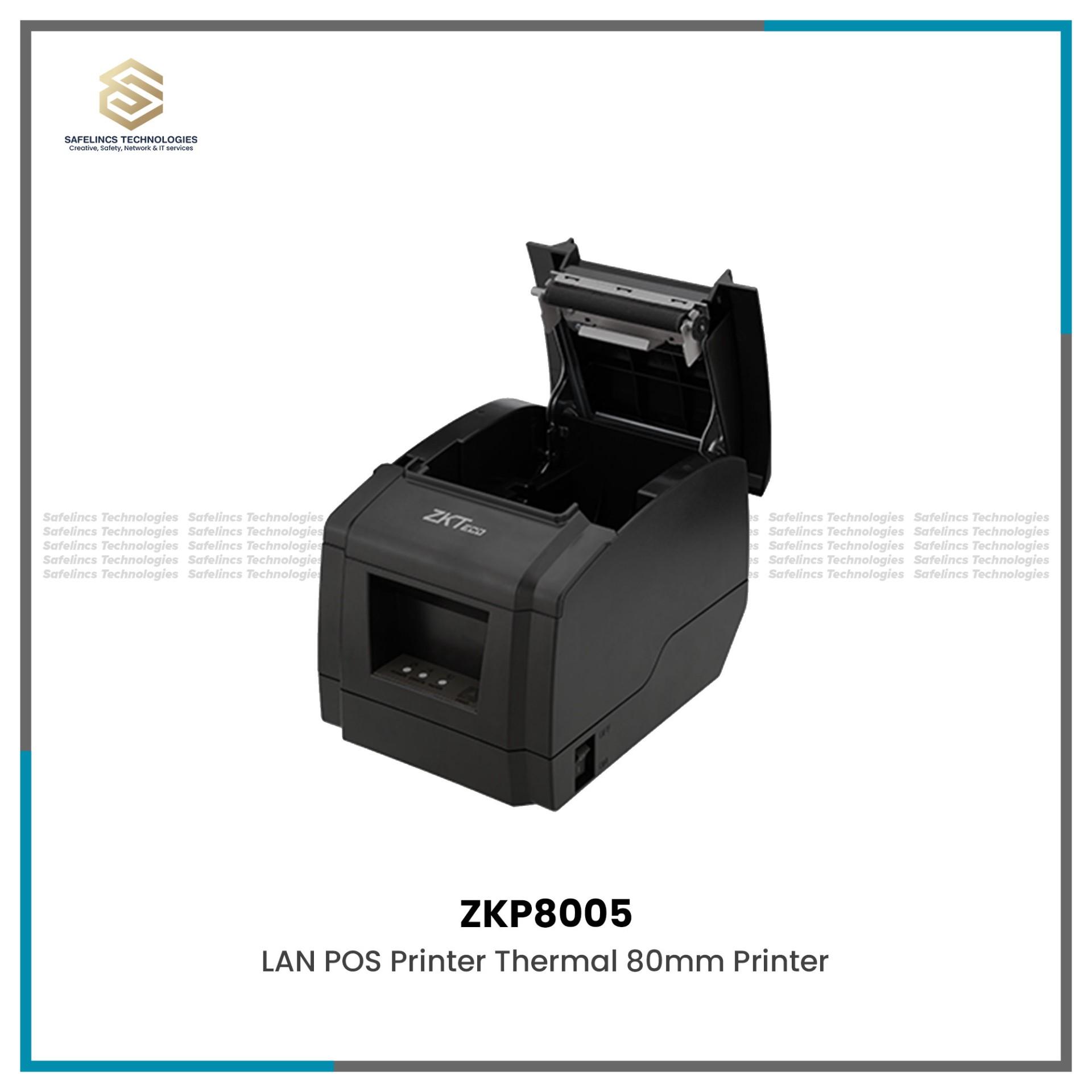
ZKP8005 High-Performance Thermal Receipt Printer with Auto-Cutter.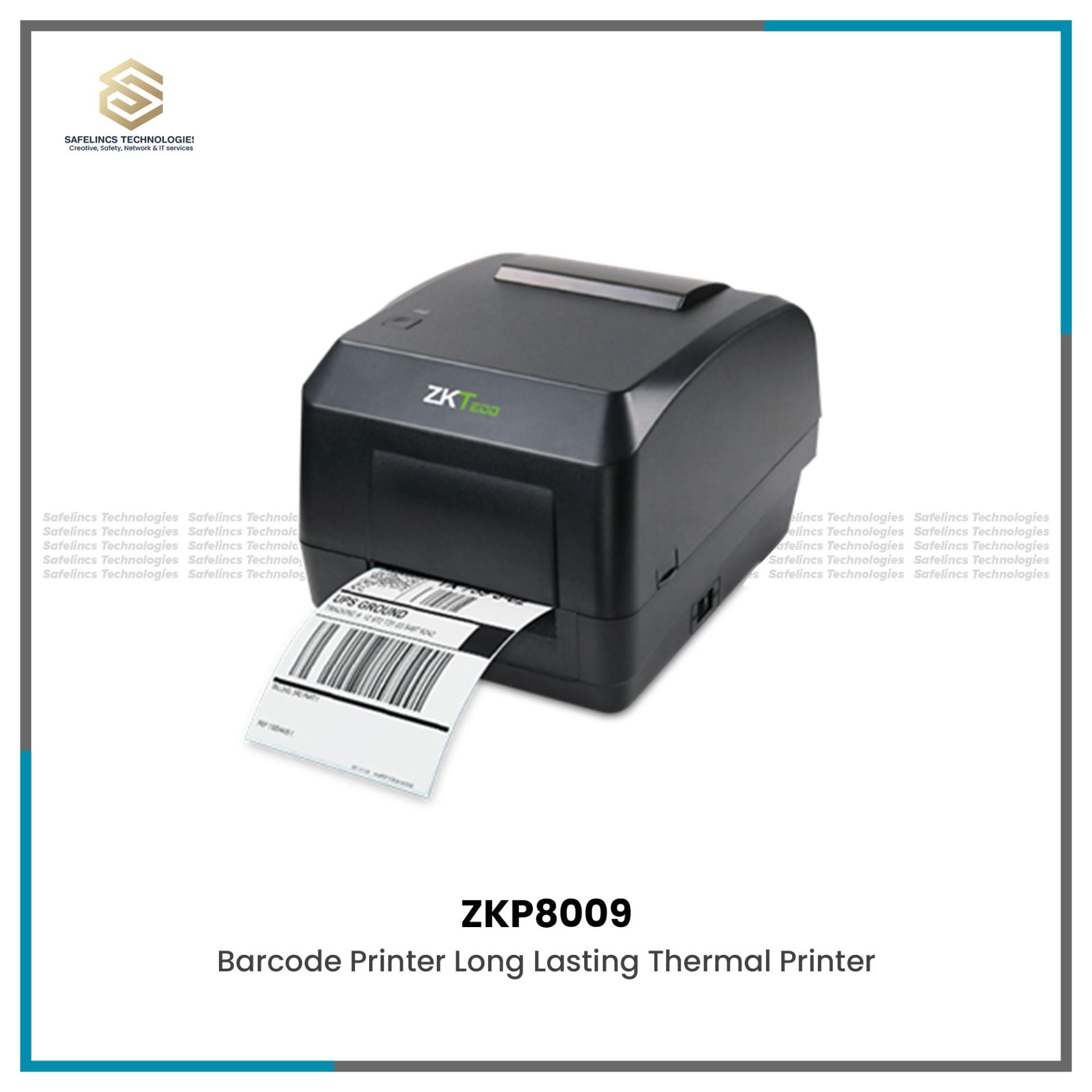
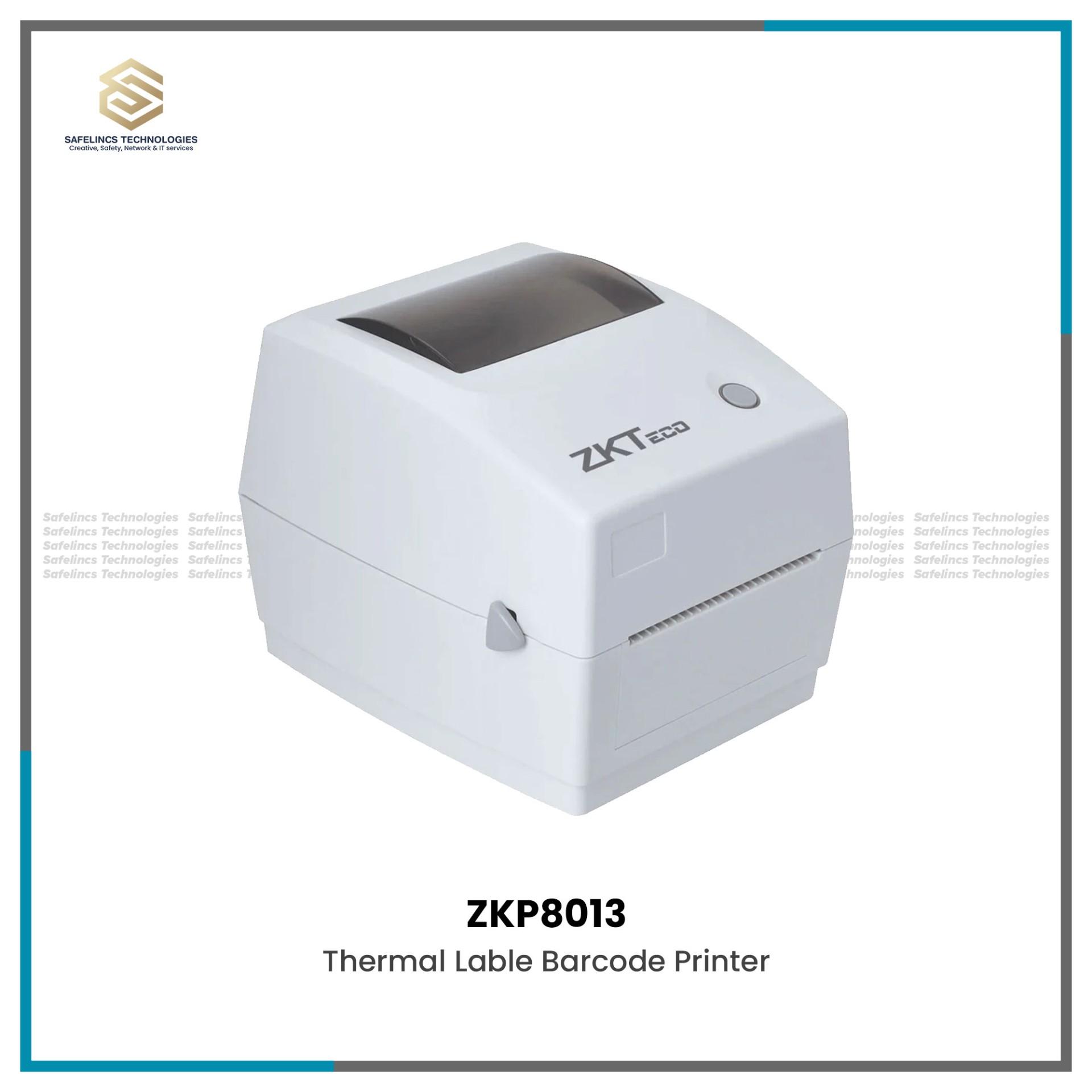
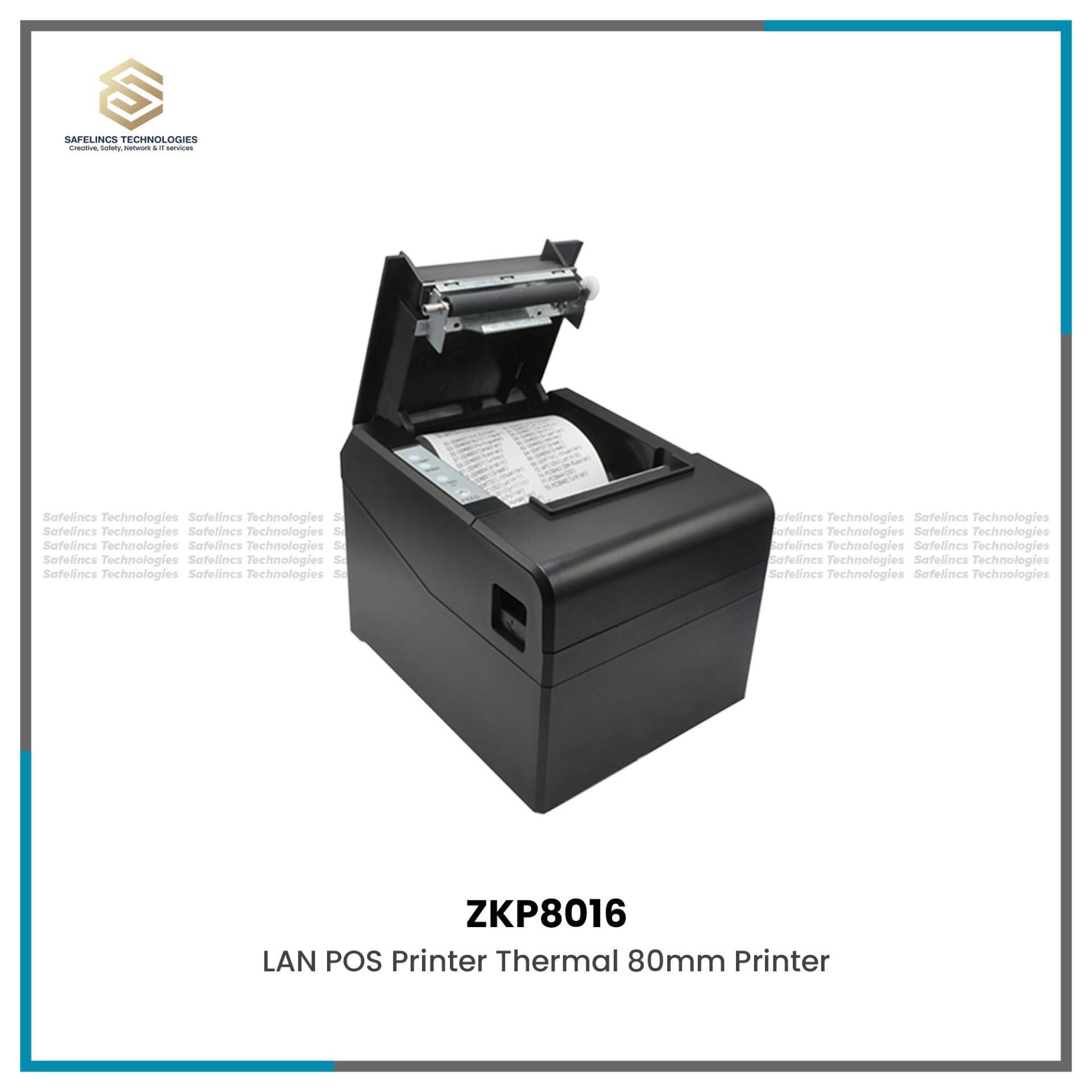
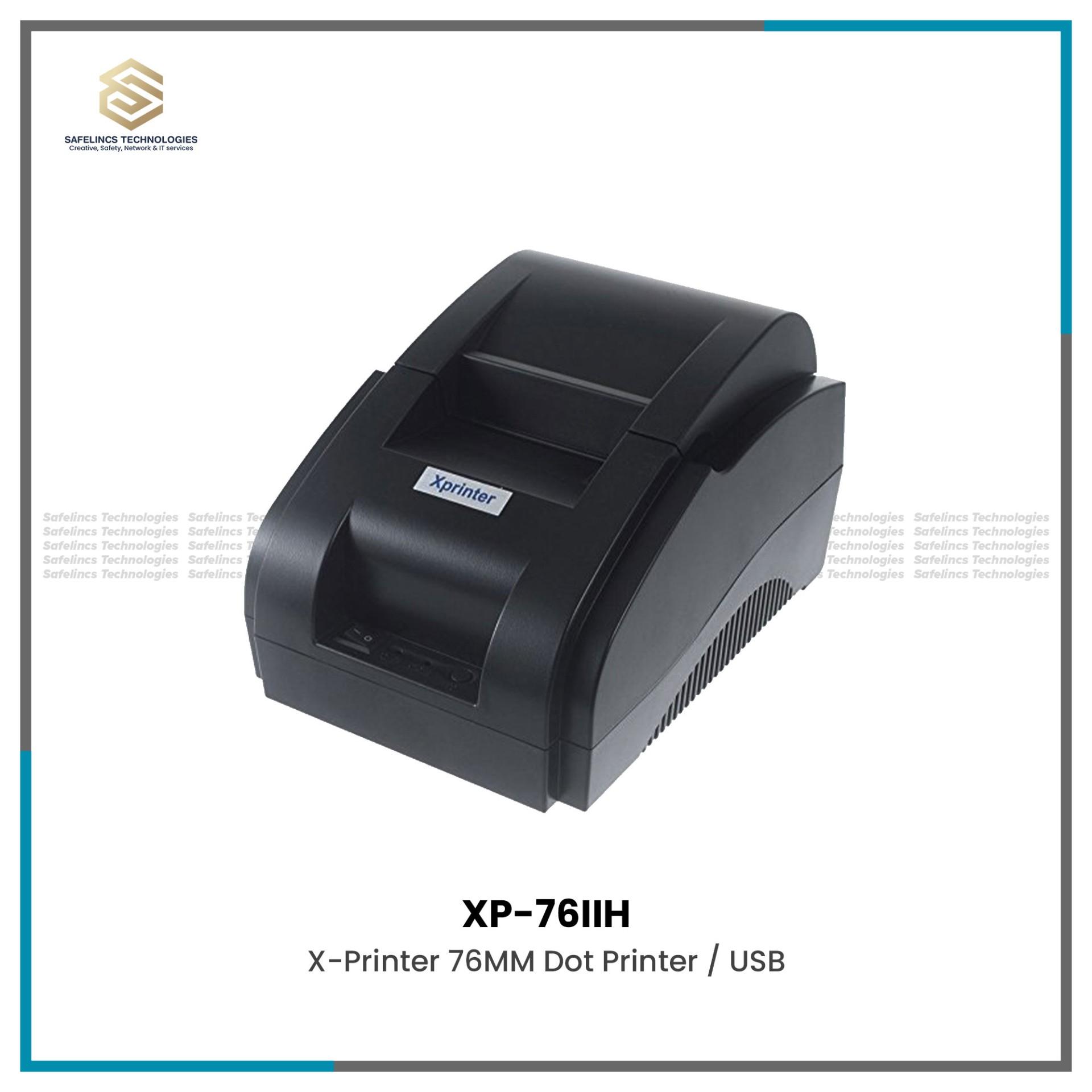
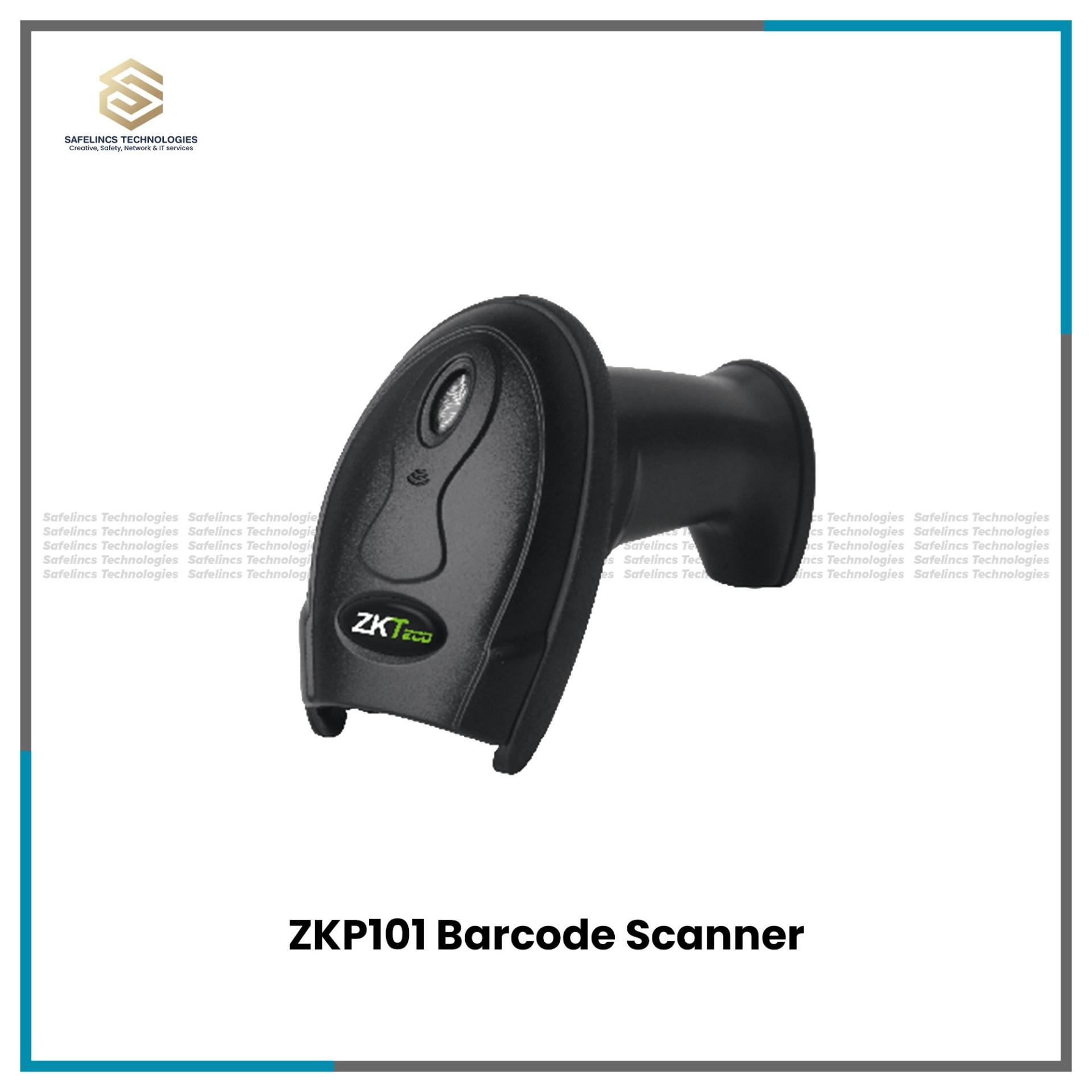
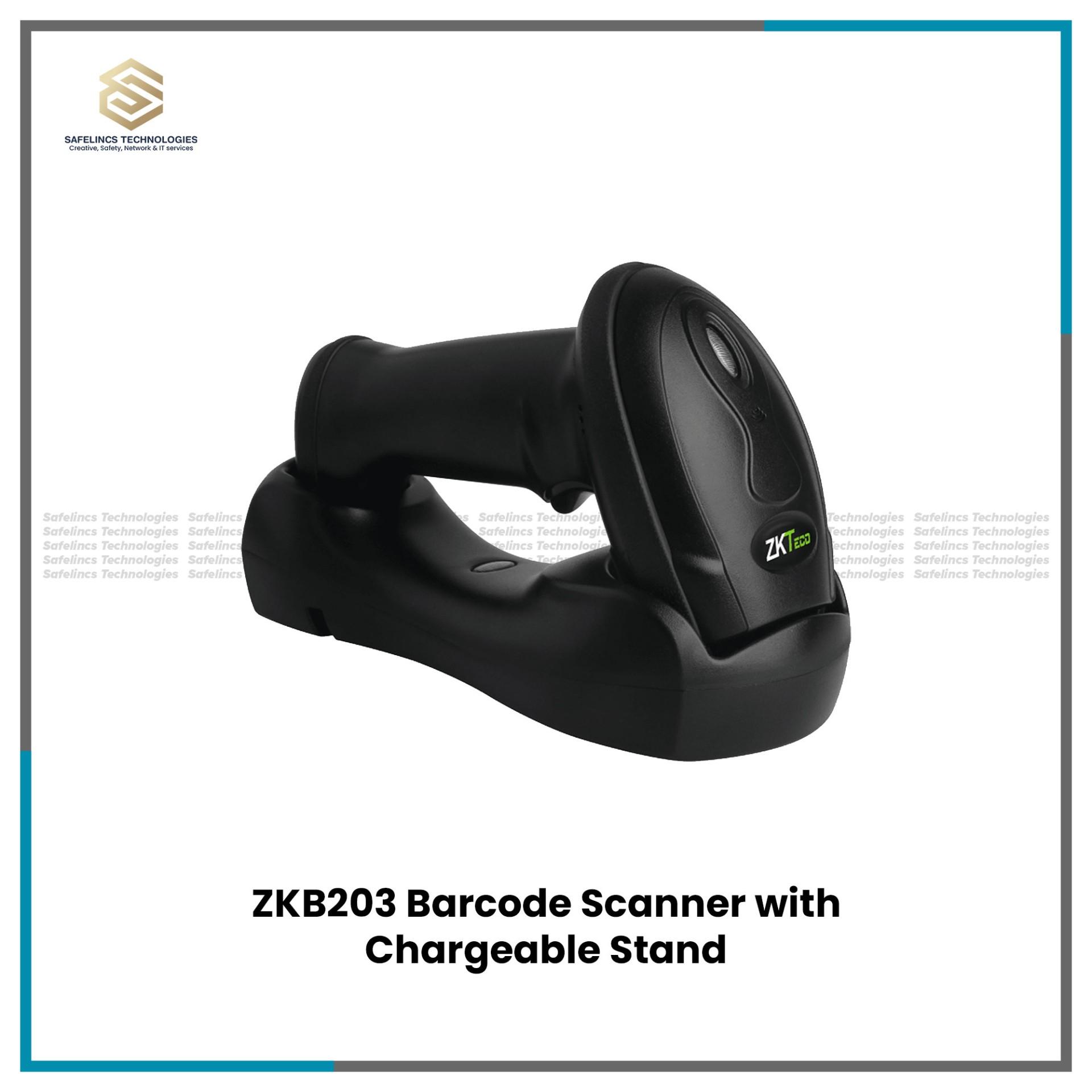
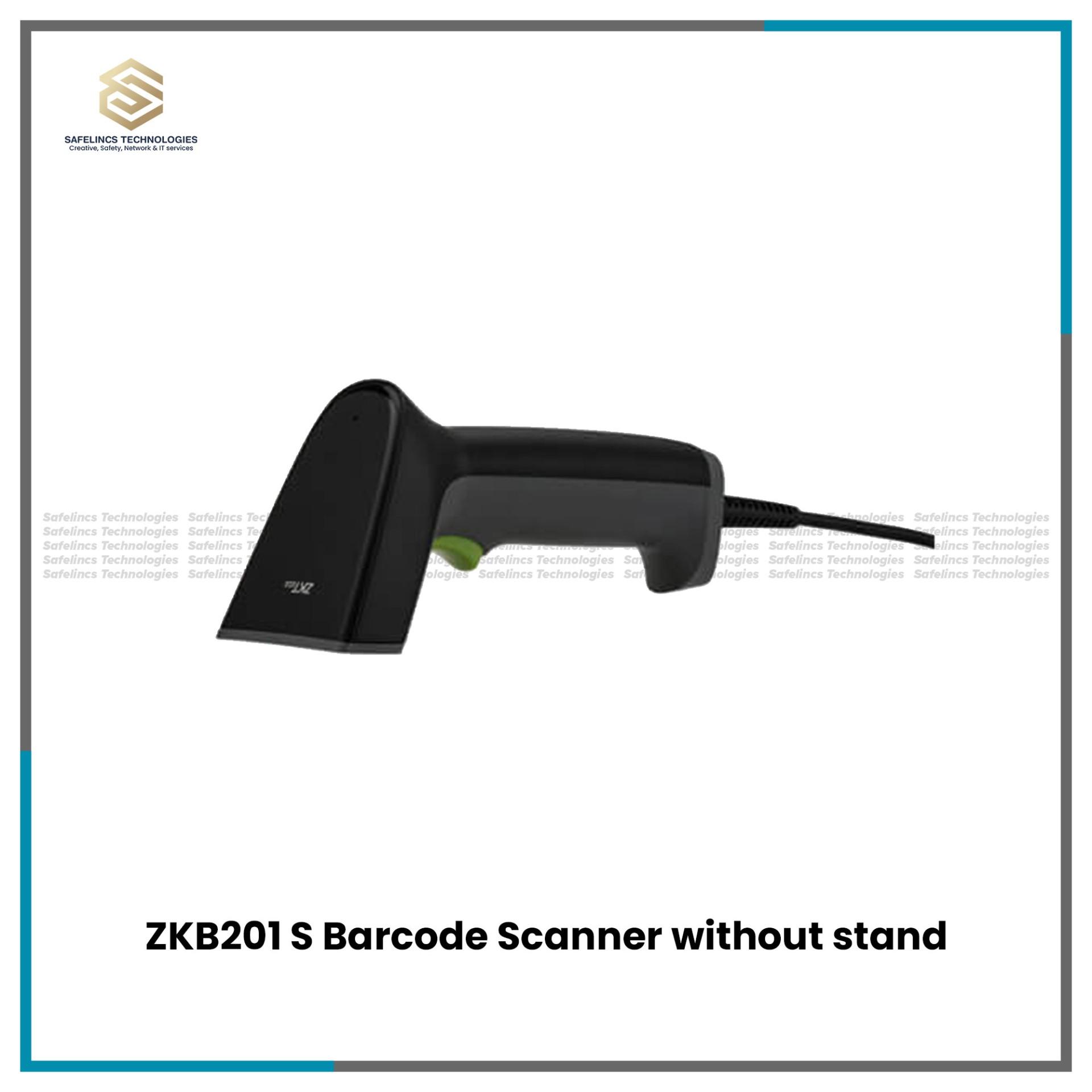
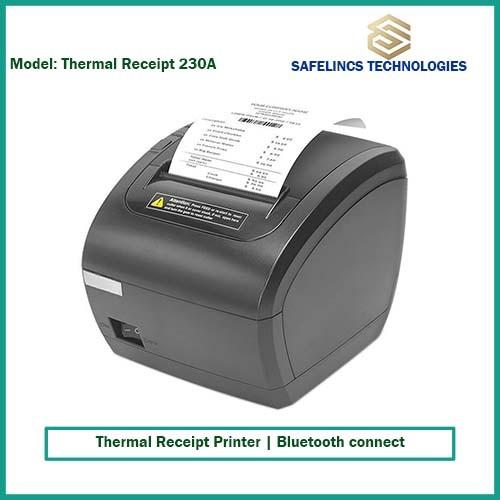
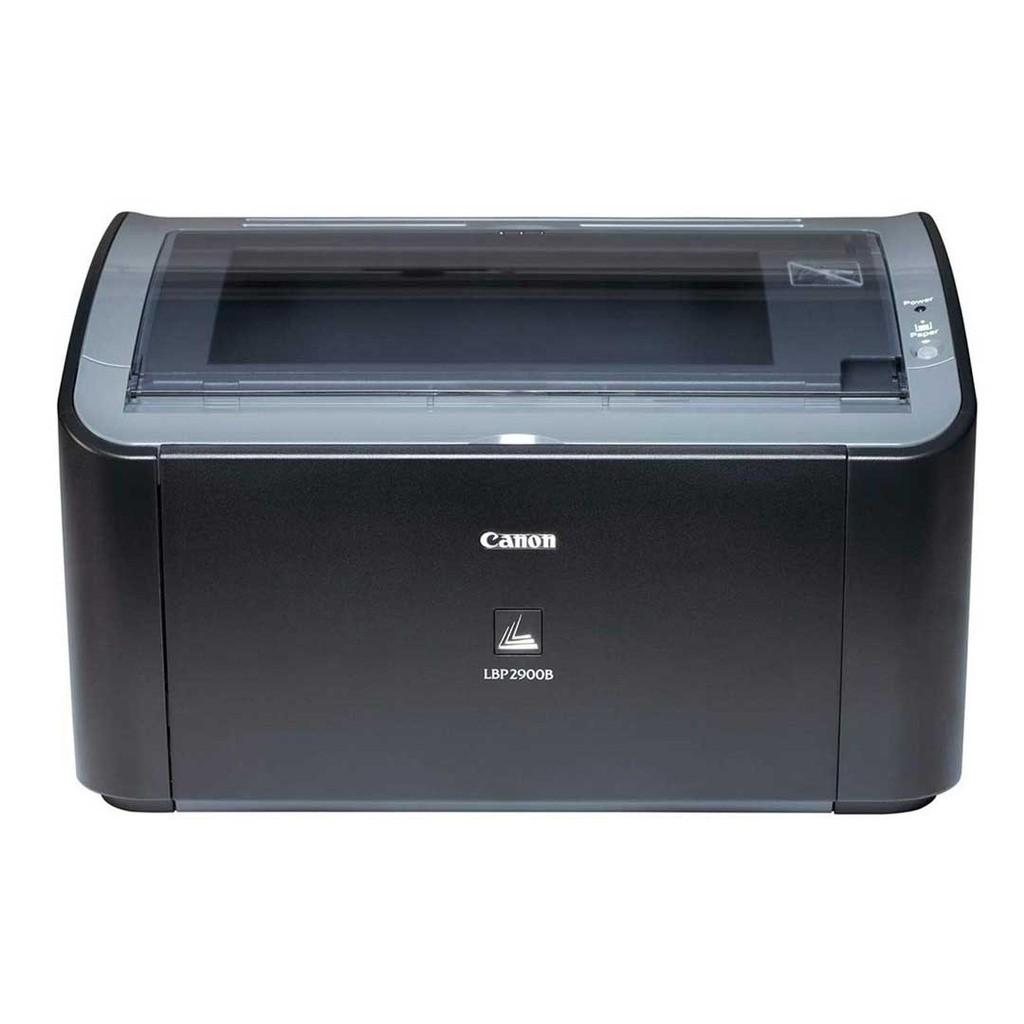
Printers, scanners and photocopy machines are essential document-processing and data-capture devices used in offices, retail stores, warehouses, educational institutions, hospitals, restaurants and other commercial environments. Safelincs Tech provides different printing and scanning solutions, including laser printers, thermal receipt printers, barcode scanners, barcode printers and other business printing equipment designed for different operational workloads.
The printer price in Nepal varies according to printing technology, print resolution, print speed, connectivity, paper handling capacity, duty cycle and consumable requirements. Similarly, the scanner price in Nepal depends on factors such as scanning technology, supported barcode formats, connectivity and scanning distance, while the photocopy machine price in Nepal is influenced by copying speed, duplex functionality, document feeding capability, paper capacity and network features.
Selecting the correct equipment therefore requires evaluating the technical requirements of the application rather than comparing price alone.
Printer Price in Nepal
The printer price in Nepal depends primarily on the printing mechanism and the workload for which the machine is designed. A small desktop laser printer intended for moderate office document printing has very different hardware requirements from a high-speed thermal receipt printer used continuously at a POS counter or a barcode printer used to generate inventory labels.
Important technical factors affecting the printing machine price in Nepal include print resolution, printing speed, processor and memory capacity, supported paper sizes, automatic duplex capability, network interfaces and monthly duty cycle. Consumables also affect long-term operating cost. Laser printers generally require toner cartridges and may eventually require drum or fuser replacement, whereas direct thermal printers use heat-sensitive media and usually do not require ink or toner.
For businesses, the purchase price should therefore be evaluated together with expected printing volume, consumable cost, maintenance requirements and equipment life cycle.
Types of Printers Available in Nepal
Different printing technologies are designed for different types of output. Office documents, receipts, barcode labels and commercial records do not require the same printing mechanism, resolution or media.
1. Laser Printers
Laser printers use an electrophotographic printing process in which an electrostatic image is formed on a photosensitive drum. Toner particles are attracted to the image, transferred onto paper and permanently bonded to the surface through a heated fuser assembly.
Because toner printing provides sharp text and relatively high printing speeds, laser printers are commonly used for business documents, reports, invoices, educational materials and administrative records. Important specifications include DPI, pages per minute, first-page-out time, monthly duty cycle, toner yield and paper input capacity.
For example, businesses looking specifically for office-oriented printing equipment can explore Canon Printers, Brother Printers and Pantum Printers available through Safelincs Tech.
2. Thermal Printers
Thermal printers use heat rather than conventional ink-based printing. They are commonly divided into direct thermal and thermal transfer systems.
A direct thermal printer applies controlled heat from the printhead directly to chemically treated thermal paper. The heated areas darken to produce characters, graphics or barcodes. Because no ink, toner or ribbon is required, direct thermal printing is commonly used for receipts, temporary labels and billing applications.
Thermal transfer printing operates differently. The printhead heats a ribbon containing wax, resin or a combination of both, transferring the image onto the label surface. This produces a more durable print and is better suited to product labels, warehouse labels and applications where the printed information must remain readable for longer periods.
The thermal printer price in Nepal therefore varies according to printing method, print resolution, media width, printing speed, supported interfaces and whether additional functions such as an automatic cutter are included.
3. Receipt & POS Printers
Receipt printers are designed for rapid transaction printing at billing counters and Point-of-Sale systems. They usually use direct thermal technology because it allows fast printing without cartridges or toner.
Paper width is an important consideration. Many POS printers support 58 mm or 80 mm thermal rolls. Printing speed is normally specified in millimetres per second rather than pages per minute, because receipt length varies from one transaction to another.
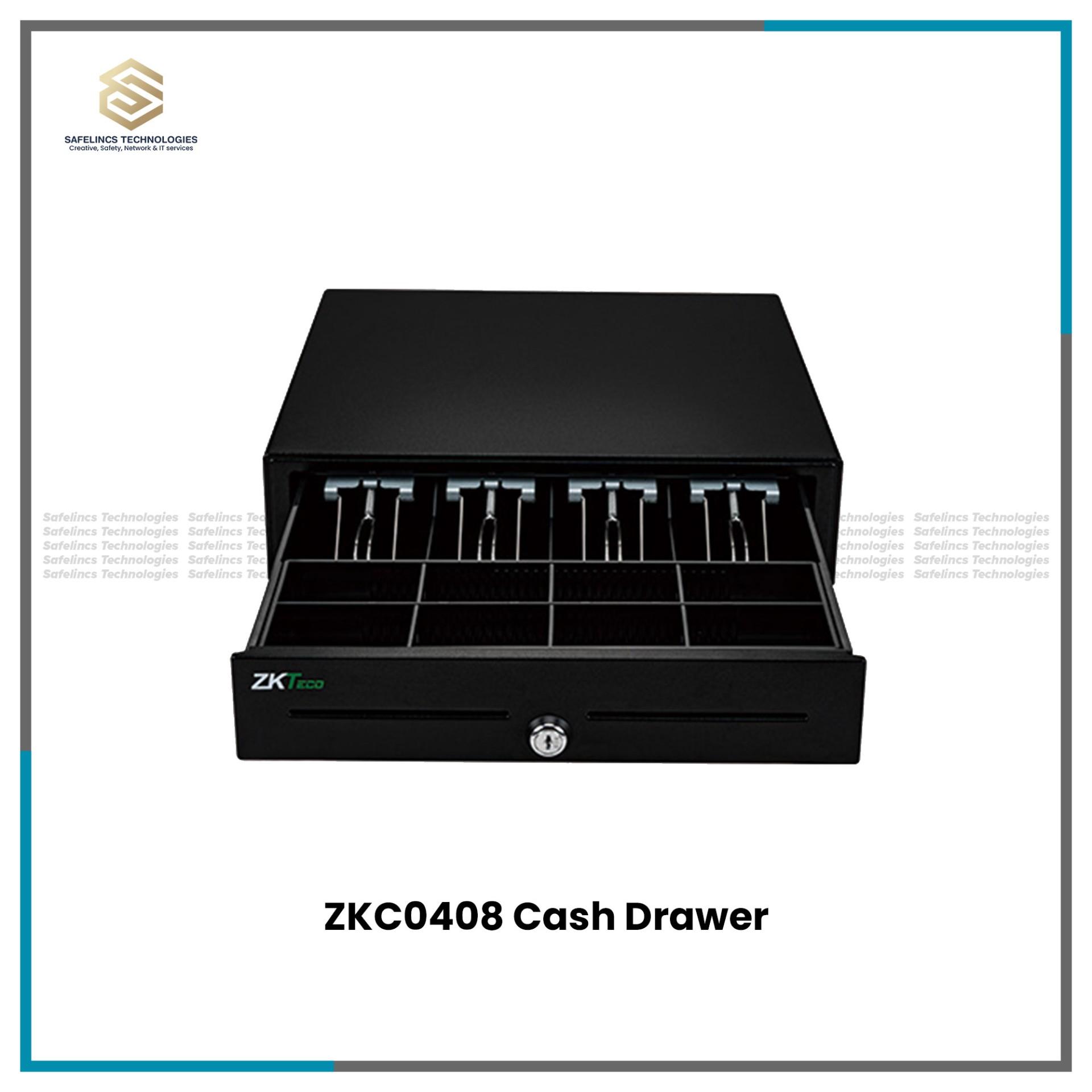
Connectivity is also critical. Depending on the model, a POS printer may support USB, Ethernet, Bluetooth, serial communication or a combination of interfaces. Some models also include an RJ11/RJ12 cash-drawer interface that allows the POS system to trigger the cash drawer during a transaction.
Businesses requiring dedicated billing hardware can browse Safelincs Tech's POS & Thermal Billing Receipt Printers.
4. Barcode Printers
Barcode printers are designed specifically for printing machine-readable labels. Depending on the application, they may use direct thermal or thermal transfer technology.
Print resolution is particularly important in barcode printing because narrow barcode elements must remain accurately defined. Common barcode printer resolutions include 203 DPI and 300 DPI, although the appropriate resolution depends on label size, barcode density and required text size.
Other important specifications include maximum label width, printing speed, ribbon compatibility, media sensors and supported command languages. Gap sensors detect spacing between individual labels, while black-mark sensors identify registration marks printed on the reverse side of certain media.
For stock management, retail labelling and logistics applications, Safelincs Tech also provides dedicated Barcode Scanners & Barcode Printers.
5. Color Printers
Color printers reproduce images using combinations of cyan, magenta, yellow and black. Depending on the printer type, these colors may be produced through toner or liquid ink.
When comparing a color printer price in Nepal, resolution should not be considered independently. Printing speed, color accuracy, media support and cost per page are equally important. An office that prints occasional presentation graphics has different requirements from a business producing high volumes of color documents.
Scanner Price in Nepal
The scanner price in Nepal depends heavily on the type of scanning technology being used. In a business environment, scanners may be used for document digitization, barcode reading, inventory tracking, transaction processing or product identification.
For barcode scanners in particular, pricing can vary according to whether the device supports only linear 1D barcodes or both 1D and 2D codes. The decoding engine, scan distance, image sensor, wireless connectivity, scanning speed and environmental durability can also affect cost.
A scanner used at a supermarket checkout may prioritize fast hands-free reading, whereas a warehouse scanner may require wireless communication, stronger construction and the ability to decode damaged or poorly printed codes.
Types of Barcode Scanners
Barcode scanners convert the optical pattern of a barcode into digital information that can be transmitted to a computer, POS terminal or inventory management system.
1. 1D Barcode Scanners
A 1D barcode scanner reads linear barcode formats in which information is encoded through variations in bar and space widths. Typical formats include Code 39, Code 128, EAN-13, UPC and Interleaved 2 of 5.
These scanners may use laser or linear imaging technology. Important specifications include scanning rate, working distance, minimum readable bar width and decoding capability. They are widely used for retail products, inventory identification and basic POS operations.
2. 2D Barcode & QR Scanners
A 2D scanner generally uses an area-imaging sensor that captures the complete barcode image rather than reading only a single horizontal line. This allows the scanner to decode QR Code, Data Matrix, PDF417 and other two-dimensional formats in addition to many conventional 1D barcodes.
A suitable QR barcode scanner can also read codes displayed on smartphone or computer screens when its image sensor and optical system support digital-screen reading. This makes 2D scanners useful for electronic payments, ticketing, patient identification and digital membership systems.
3. Handheld Barcode Scanners
Handheld barcode scanners are designed for manual operation. The operator typically positions the scanner toward the barcode and activates scanning using a trigger.
When selecting a handheld scanner, working distance, scan angle, cable interface, ergonomic design and stand compatibility should be considered. For frequent POS or warehouse use, weight and grip design can also affect operator efficiency during long shifts.
4. Wireless Barcode Scanners
Wireless barcode scanners remove the physical connection between the scanner and the host computer. Depending on the model, communication may take place over Bluetooth or proprietary 2.4 GHz RF technology.
Technical considerations include wireless range, battery capacity, charging method and supported operating modes. Some wireless scanners can also store scanned data temporarily when they are outside communication range and transfer it once the connection is restored.
5. Tabletop and Presentation Barcode Scanners
Presentation scanners are designed for hands-free barcode reading. Instead of pulling a trigger for every scan, the user moves the product barcode through the scanner's reading area.
This configuration is particularly useful at high-volume billing counters. Models using omnidirectional or area-imaging technology can read barcodes from multiple orientations, reducing the need to align each product carefully.
Barcode Scanner vs Barcode Printer
A barcode scanner and barcode printer perform opposite but complementary functions within a POS or inventory system. A barcode printer generates a physical barcode label, while a scanner reads that label and converts the encoded information into digital data.
Feature | Barcode Scanner | Barcode Printer |
Primary function | Reads barcode data | Prints barcode labels |
Main technology | Laser or image sensor | Thermal printing |
Output | Digital information | Physical label |
Typical use | POS and inventory | Product and asset labelling |
Consumables | Usually none | Labels and sometimes ribbon |
In inventory systems, the barcode printer may be used to create product, asset or storage labels, while scanners are used throughout receiving, sales, movement and stock-counting processes.
Photocopy Machine Price in Nepal
The photocopy machine price in Nepal depends on copying speed, printing technology, document handling capacity and additional multifunction features. Commercial photocopiers are often designed to process substantially higher document volumes than basic desktop printers.
Copies per minute is one of the main performance specifications. Additional features such as automatic document feeders, duplex copying, network connectivity, multiple paper trays and high-capacity output systems generally become more important as document volume increases.
Modern photocopy machines may also operate as multifunction devices that combine copying, scanning and network printing. For this reason, businesses should evaluate not only the initial photocopier price but also toner yield, drum life, maintenance intervals and expected monthly workload.
How Does a Photocopy Machine Work?
A digital photocopy machine typically scans the original document and converts it into image data. During printing, a photosensitive drum is electrically charged and exposed according to the image, creating an electrostatic pattern that attracts toner.
The toner is transferred from the drum to the paper and then passed through a fuser where heat and pressure permanently bond the toner to the surface. Modern multifunction photocopiers use this process not only for copying but also for printing documents received through USB, Ethernet or network connections.
Printer vs Photocopy Machine vs Scanner
Printers, scanners and photocopy machines may appear similar because they all handle documents, but they perform different functions.
Equipment | Main Function | Output | Typical Application |
Printer | Converts digital files to physical documents | Printed paper | Office/document printing |
Scanner | Converts physical information into digital data | Digital file/data | Documents, POS, inventory |
Photocopier | Duplicates physical documents | Physical copy | Offices and institutions |
Thermal Printer | Prints using controlled heat | Receipt or label | POS and logistics |
A multifunction machine may combine several of these functions, but dedicated hardware can provide better speed or workflow efficiency when a specific function is used continuously.
Technical Specifications to Consider Before Buying a Printer
Choosing a printer requires more than comparing the purchase price. Technical specifications determine whether the device can handle the intended workload efficiently.
1. Print Resolution
Printer resolution is normally expressed in DPI, or dots per inch. Higher DPI allows the printer to place more image points within the same physical area, resulting in finer text, graphics and barcode detail.
Thermal label printers commonly operate at resolutions such as 203 DPI or 300 DPI, whereas office laser printers may provide 600 DPI or higher. Higher resolution can improve output quality, but it can also affect printing speed and data-processing requirements.
2. Print Speed
Office printer speed is generally measured in pages per minute, or PPM. A higher PPM rating becomes important when many users share a printer or large document batches are printed regularly.
Thermal printer speed is generally measured in millimetres per second because the printer feeds continuous receipt or label media. A fast receipt printer can significantly reduce transaction time at busy billing counters.
3. Duty Cycle
Duty cycle indicates the manufacturer's specified maximum printing volume that the machine is designed to handle over a defined period, commonly one month.
However, the maximum duty cycle should not automatically be treated as the ideal continuous workload. Where available, the manufacturer's recommended monthly print volume provides a better reference for regular operation and equipment longevity.
4. Connectivity Interfaces
USB is commonly used for direct connection between a printer and a single workstation. Ethernet allows a printer to operate as a network device and is generally preferable when several computers must access the same printer.
Wi-Fi offers network printing without an Ethernet cable, while Bluetooth is useful for compatible mobile POS and portable systems. Some business and POS printers also support RS-232 serial connections where integration with older or specialized systems is required.
5. Paper and Media Compatibility
The printer must support the physical media required by the application. Office printers may support A4, A5 and other sheet sizes, while thermal printers use receipt rolls or continuous label media.
Barcode printers may also need compatibility with adhesive labels, gap media or black-mark media. The maximum supported media width and thickness should therefore be checked before purchasing the printer.
6. Memory and Processing
Business printers receive, interpret and queue print jobs before producing output. Internal memory and processor performance can therefore affect how efficiently large files or simultaneous jobs are handled.
Memory becomes particularly relevant for shared network printers, complex PDF documents and graphics-heavy files where the device needs to process larger amounts of data before printing.
Technical Specifications to Consider Before Buying a Barcode Scanner
A barcode scanner should be selected according to the barcode type and the environment in which scanning will take place.
1. Supported Barcode Symbologies
Not every scanner supports every barcode standard. A basic linear scanner may support UPC, EAN, Code 39 and Code 128, while a 2D imaging scanner may additionally decode QR Code, Data Matrix and PDF417.
Before purchasing, the scanner's supported symbology list should therefore be matched with the barcode formats used by the business.
2. Scan Engine
Laser scanners project a beam across the barcode and are commonly used for conventional 1D codes. Linear imagers photograph a narrow horizontal section, while area imagers capture a broader two-dimensional image.
Area imaging is generally required for QR and other 2D barcode formats. It can also improve flexibility when reading codes from mobile-phone screens or at different orientations.
3. Scan Distance and Scan Rate
Scan distance describes the physical range within which a barcode can be decoded. The actual working range depends on the scanner optics, barcode size, barcode density and print quality.
Scan rate represents how quickly the scanner captures or processes barcode information. High-volume POS environments benefit from fast decoding because even small delays become significant when hundreds of items are processed.
4. Environmental Protection
Where a scanner is used in warehouses or demanding environments, durability may become more important than it is at a fixed retail counter. Some scanners include an IP rating that indicates resistance to dust and moisture.
For example, an IP54-rated device is designed with a defined level of protection against dust ingress and water splashes. The actual IP rating should always be confirmed from the specification of the individual model rather than assumed for all scanners.
5. Drop Resistance
Warehouse and logistics scanners may occasionally be dropped during normal operation. Manufacturers of industrial or semi-rugged scanners may therefore specify a tested drop height onto a defined surface.
This specification is useful when comparing scanners for warehouses, dispatch centers and industrial environments where equipment receives more physical handling.
Choosing Printing and Scanning Equipment by Application
Different businesses require different combinations of speed, media, connectivity and durability.
1. Retail Stores
Retail stores commonly use a barcode scanner together with a thermal POS printer and cash drawer. Barcode scanners should provide reliable decoding of the barcode formats used on products, while the receipt printer should provide sufficient printing speed, appropriate paper width and compatible USB or Ethernet connectivity.
If a business needs dedicated billing equipment, Safelincs Tech's POS & Thermal Billing Receipt Printers can be compared according to the required interface and receipt format.
2. Offices
Offices generally benefit from laser printers or multifunction printers because these devices are designed for conventional documents such as reports, invoices, letters and records. Important specifications include PPM, automatic duplex capability, network printing, toner yield and monthly recommended print volume.
Brand-specific printer categories such as Canon,Brother and Pantum can be compared according to the required document workload.
3. Warehouses and Inventory Operations
Warehouses generally require both barcode generation and barcode reading. Barcode printers produce product, shelf and inventory labels, while handheld or wireless scanners capture those codes during receiving, stock movement, order picking and dispatch.
For long-term labels, thermal transfer printing is normally more appropriate than direct thermal printing because ribbon-based printing provides better durability against heat, light and handling.
4. Restaurants and Billing Counters
Restaurants and billing counters typically prioritize fast receipt printing and reliable connectivity. An 80 mm thermal printer is commonly used where detailed receipts are required, although the required paper size depends on the POS setup.
Auto-cutters can improve transaction flow, while USB and Ethernet interfaces allow integration with billing computers and networked POS terminals.
5. Hospitals and Institutions
Hospitals and institutions may use several printing technologies within the same facility. Laser printers can handle documents and records, while barcode and label printers may be used for identification, specimen tracking, asset management or inventory.
The selected scanner should support the barcode symbologies used by the institution and should provide suitable connectivity with the existing software system.
Maintenance and Operating Considerations
Correct maintenance helps maintain print quality and reduce unplanned downtime. Laser printers require periodic attention to toner cartridges, paper-feed rollers, the drum system and, depending on the printer design and service interval, the fuser assembly. Dust and paper debris inside the paper path can gradually contribute to feeding problems or print defects.
Thermal printers require a different maintenance approach. Thermal printheads and platen rollers should remain clean because adhesive residue, paper dust and dirt can interfere with heat transfer. Correct thermal media should also be used because unsuitable paper can reduce print quality or increase wear.
Barcode scanner maintenance is normally simpler. The scan window should be kept clean and free of scratches, cables should be inspected where wired scanners are used, and wireless scanner batteries should be charged and maintained according to the manufacturer's instructions.
Photocopy machines have more complex imaging systems and may require periodic servicing of toner, drum, developer, fuser and feed components depending on their usage and design.
Why Printer Prices Differ in Nepal ?
Printer prices can vary considerably even when two devices appear to perform the same basic function. One printer may be designed for occasional desktop printing, while another is engineered for continuous business operation with a higher duty cycle, faster processor, larger memory and higher-capacity paper handling.
Resolution and printing speed also affect hardware requirements. Connectivity such as Ethernet, Wi-Fi or Bluetooth can increase functionality, while automatic duplex printing, automatic document feeders and additional paper trays add mechanical complexity.
The printing architecture itself also affects price. A laser printer requires toner, imaging and fusing components, while a thermal receipt printer relies on a thermal printhead and heat-sensitive media. A thermal transfer barcode printer additionally requires a ribbon mechanism and media-control sensors. For this reason, the correct comparison should be based on application, specification and long-term operating cost rather than purchase price alone.
Printer Brands Available at Safelincs Tech
Safelincs Tech provides multiple printer categories for different office and business applications.
Canon Printers can be considered for standard document-printing requirements, while Brother Printers and Pantum Printers provide additional choices for different office printing configurations.
For specialized business printing, Safelincs Tech also maintains dedicated categories for POS & Thermal Billing Receipt Printers and Barcode Scanners & Barcode Printers.
Frequently Asked Questions
1. What is the printer price in Nepal?
The printer price in Nepal varies according to printer type, print speed, resolution, connectivity and workload capacity. Laser, thermal, barcode and color printers therefore fall into different price ranges.
2. Which printer is suitable for office use?
A laser or multifunction printer is generally suitable for office documents because it provides fast text printing and can support higher monthly workloads. Consider PPM, duplex printing, toner yield, network connectivity and recommended monthly print volume before selecting a model.
3. What is the difference between a laser printer and a thermal printer?
A laser printer uses toner, a photosensitive drum and a fuser to transfer an image onto paper. A thermal printer uses heat and is generally used for receipts or labels rather than conventional office documents.
4. What is the thermal printer price in Nepal?
The thermal printer price in Nepal depends on printing speed, paper or label width, connectivity, resolution and whether the device uses direct thermal or thermal transfer technology. Features such as an automatic cutter and Ethernet connectivity can also affect pricing.
5. What is the scanner price in Nepal?
The scanner price in Nepal depends on scanner technology, decoding capability, connectivity and working range. A basic 1D scanner generally has different technical requirements from a wireless 2D and QR imaging scanner.
6. What is the photocopy machine price in Nepal?
The photocopy machine price in Nepal varies according to copying speed, paper capacity, duplex capability, document feeding and network features. Multifunction units that combine printing, copying and scanning may also differ significantly in price based on workload capacity.
7. What is the difference between 1D and 2D barcode scanners?
A 1D scanner reads linear codes such as UPC, EAN and Code 128. A 2D scanner uses imaging technology to read both conventional 1D codes and formats such as QR Code, Data Matrix and PDF417 when supported.
8. Can a barcode scanner read QR codes?
Only scanners with compatible 2D imaging and QR decoding support can read QR codes. A conventional 1D laser barcode scanner normally cannot decode a QR code.
9. What is the difference between direct thermal and thermal transfer printing?
Direct thermal printers create an image directly on heat-sensitive paper and do not require a ribbon. Thermal transfer printers heat a ribbon to transfer the image onto the label, producing output that is generally more durable.
10. Which printer is suitable for POS billing?
A direct thermal receipt printer is commonly used for POS billing because it provides fast printing without ink or toner. Paper width, mm/s printing speed, auto cutter and USB or Ethernet compatibility should be checked against the POS system.
11. What does DPI mean in a printer?
DPI means dots per inch and represents the printer's output resolution. Higher DPI can produce finer text, graphics and barcode details, although the required resolution depends on the printing application.
12. What should I check before buying a photocopy machine?
Check copying speed, monthly workload, duplex capability, automatic document feeder, paper capacity and network functionality. Consumable yield and long-term maintenance requirements should also be considered because they affect the operating cost of the machine.