
Wireless Network Solutions & Products
Reyee & Ruijie Routers Nepal
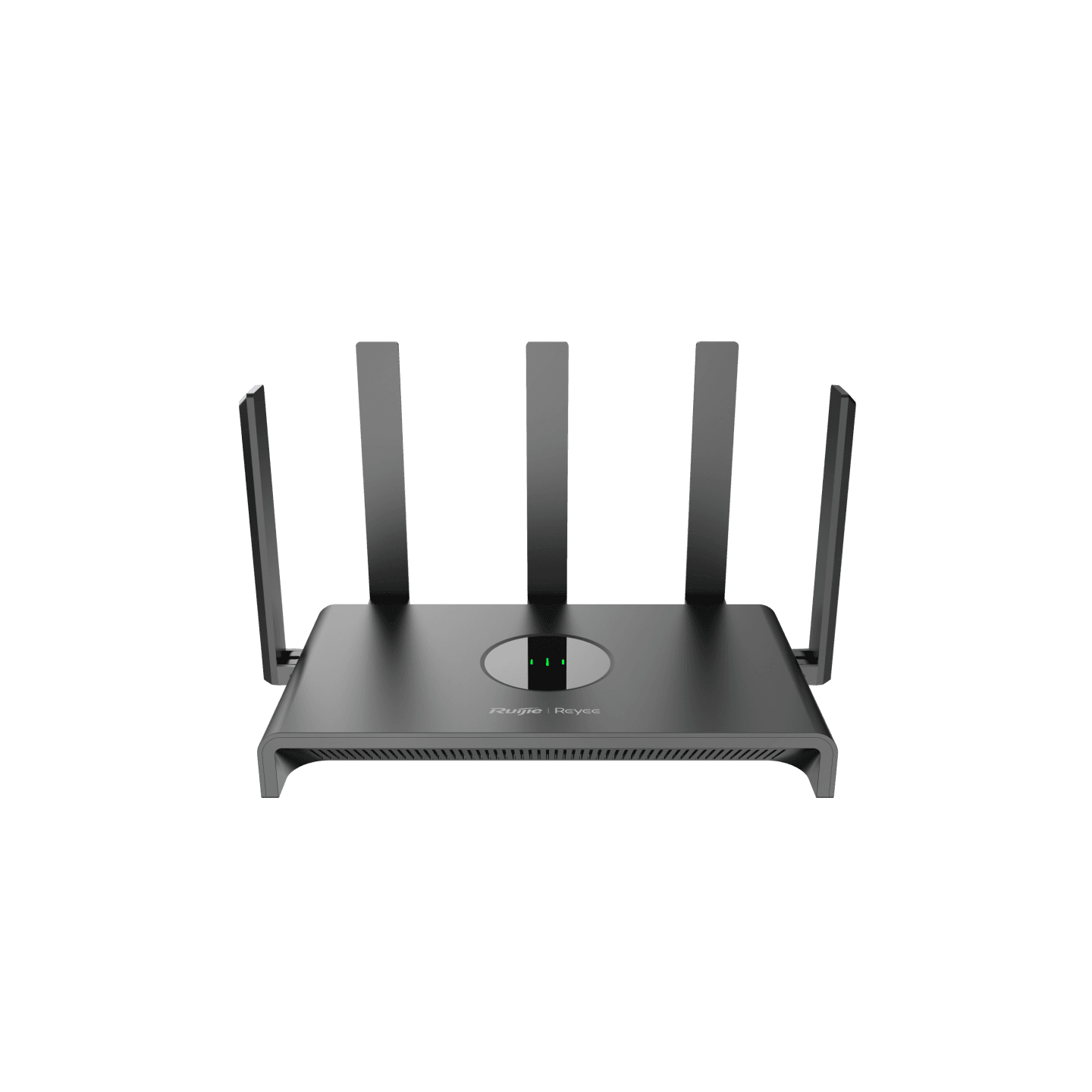
Buy RG-EW1300G 1300M Dual-band Gigabit Wireless RouterRs. 5,450
Rs. 6,500-16% OFF
A reliable wireless network solution requires more than a WiFi router. Network performance depends on how routers, switches, PoE infrastructure, wireless access points, Ethernet uplinks and connected devices work together.
Safelincs Tech provides wireless network solutions and products in Nepal for homes, offices, hotels, schools, shops, warehouses and commercial networks. The available product ecosystem includes Wireless Access Points, Routers & Firewalls, and Managed Network & PoE Switches. The live category currently includes products and brands from Ruijie/Reyee, Cisco, Aruba, MikroTik and Cambium.
The correct network should be planned around coverage area, concurrent users, bandwidth demand, Ethernet speed, PoE requirements, network segmentation and future expansion rather than selecting products only by advertised WiFi speed.
Shop Wireless Network Products in Nepal
Safelincs Tech provides wireless network products for different levels of network infrastructure, from smaller home and SOHO installations to larger commercial networks.
Explore:
How a Wireless Network Solution Works?
A typical wireless networking solution may follow this network architecture:
Internet / ISP → Router or Firewall → Managed / PoE Switch → Wireless Access Points → Client Devices
Each component performs a different function.
The router connects the local network to the internet and manages traffic between networks. The network switch distributes wired Ethernet connections between devices. A PoE switch can also deliver electrical power to compatible access points and other network devices through Ethernet cabling.
The wireless access point connects WiFi devices to the wired LAN and provides wireless coverage across the required area.
When designing the system, the capacity of each layer should match the next. A high-performance wireless access point can still experience bottlenecks if connected through an undersized uplink, switch or internet connection.
Wireless Access Points for Reliable WiFi Coverage
Wireless access points are a key part of larger wireless network solutions because they allow wireless coverage to be designed independently from the main router.
Technical factors to consider include:
WiFi generation
2.4 GHz and 5 GHz radio support
MIMO configuration
Client capacity
Ethernet uplink speed
PoE requirements
Indoor or outdoor installation
Centralized or cloud management
Security capabilities
For example, the Cambium XV2-2X Wi-Fi 6 Indoor Access Point is listed with dual-radio 2×2 WiFi 6, a 2.5 GbE uplink, up to 1.77 Gbps aggregate data rate and 802.3at PoE operation. These specifications make it an example of an enterprise-oriented AP where the wired uplink and PoE infrastructure are important parts of the overall design.
Safelincs also lists products such as the Aruba Instant On AP25 4x4 Wi-Fi 6 Indoor Access Point and Ruijie Reyee RG-RAP6262(G) Wi-Fi 6 AX1800 Outdoor Access Point.
Explore the complete Wireless Access Points range for indoor, outdoor and business WiFi requirements.
Routers & Firewalls in Wireless Networking Solutions
The router operates as the gateway between the internal network and external networks such as the internet.
Depending on the model, technical functions may include:
WAN and LAN routing
NAT
DHCP
Firewall functions
VPN connectivity
WiFi radios
Mesh networking
IPv6
Traffic management
Cloud or application-based management
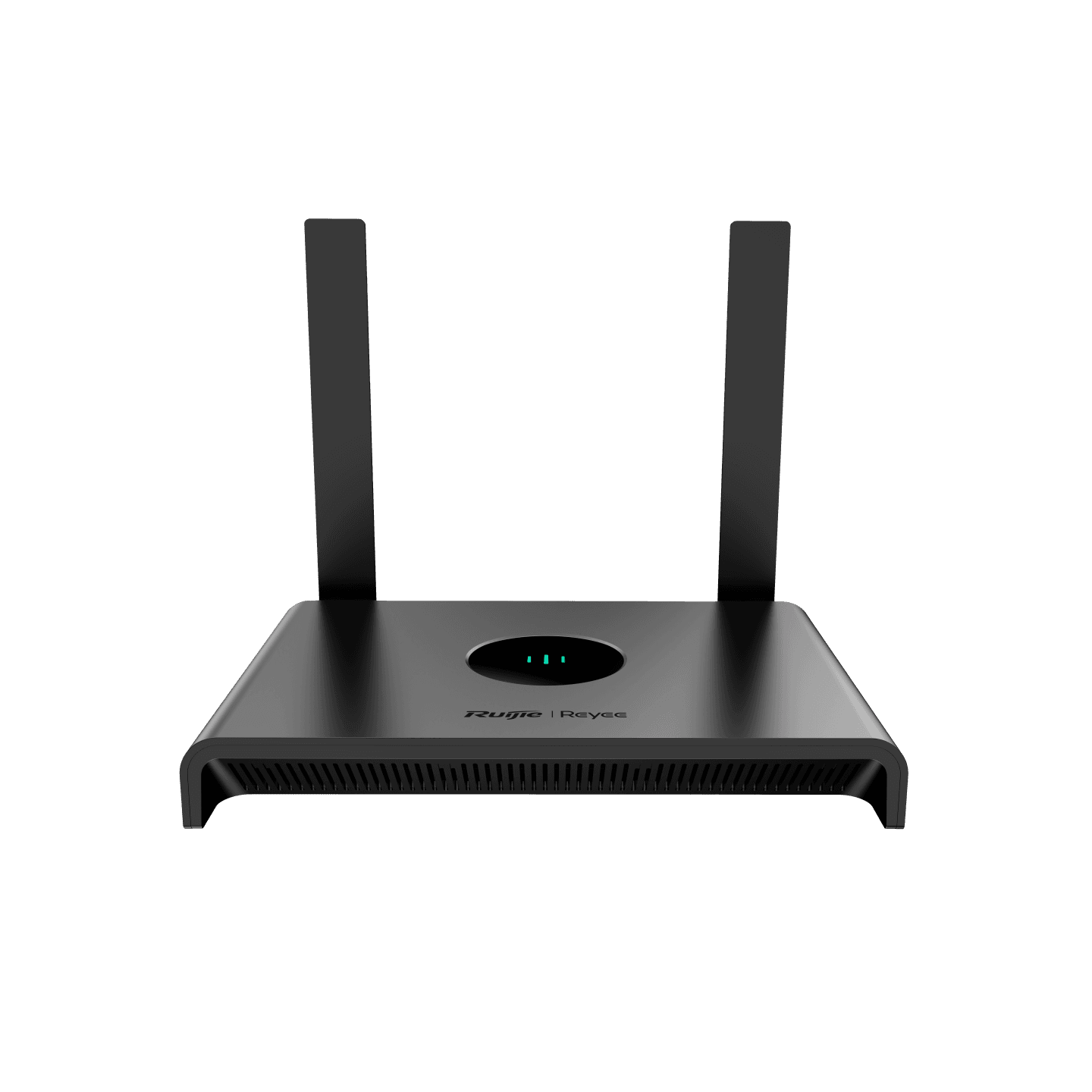
For smaller environments, the RG-EW300N 300Mbps Wireless Smart Router is listed with WiFi 4, 2×2 MIMO, up to 300 Mbps on 2.4 GHz, four operating modes and support for up to 16 users.
For higher network requirements, the RG-EW1300G 1300M Dual-Band Gigabit Wireless Router supports dual-band WiFi 5, Gigabit WAN/LAN ports, mesh networking and up to 96 concurrent connections according to its listed specifications.
Browse more options through Routers & Firewalls, including MikroTik Routers and Ruijie & Reyee Routers.
Managed Network & PoE Switches
Switching is the wired foundation of many professional wireless networking solutions.
A network switch connects access points, computers, servers, CCTV devices, IP phones and other Ethernet devices within the LAN.
Technical specifications to evaluate include:
Number of Ethernet ports
Fast Ethernet or Gigabit Ethernet
SFP/SFP+ uplinks
Switching capacity
Managed or unmanaged operation
VLAN capability
PoE/PoE+ support
Total PoE power budget
Cloud management
Uplink bandwidth
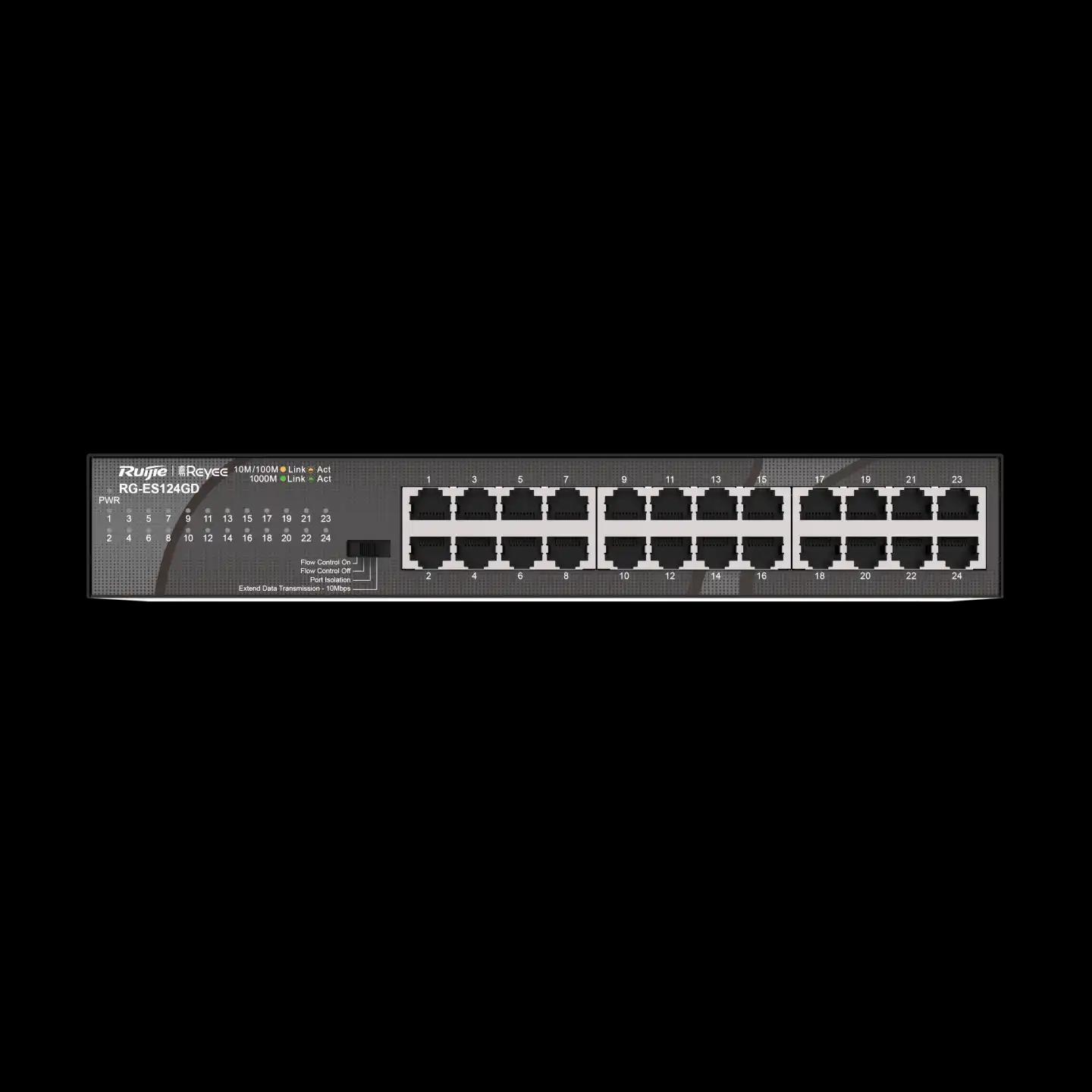
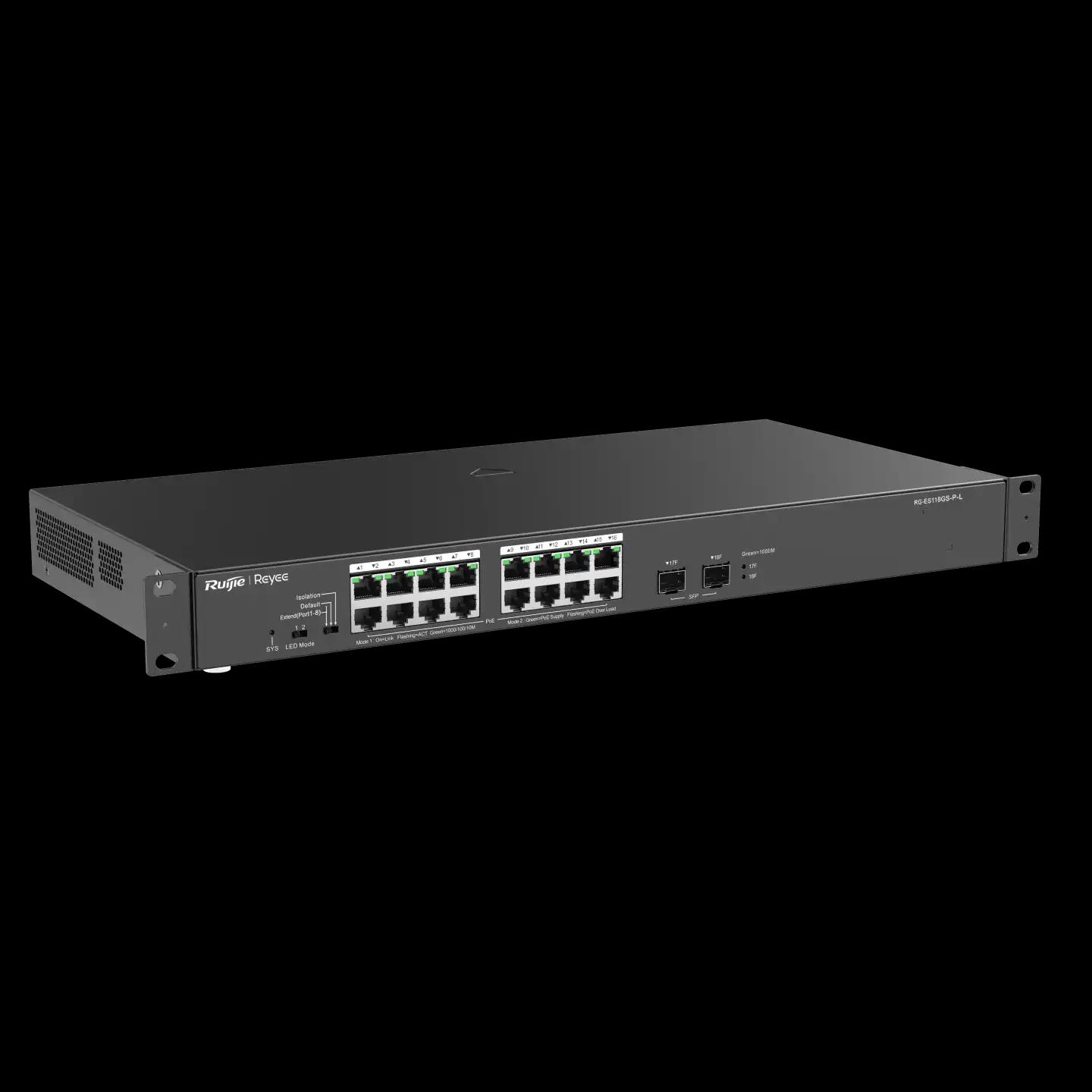
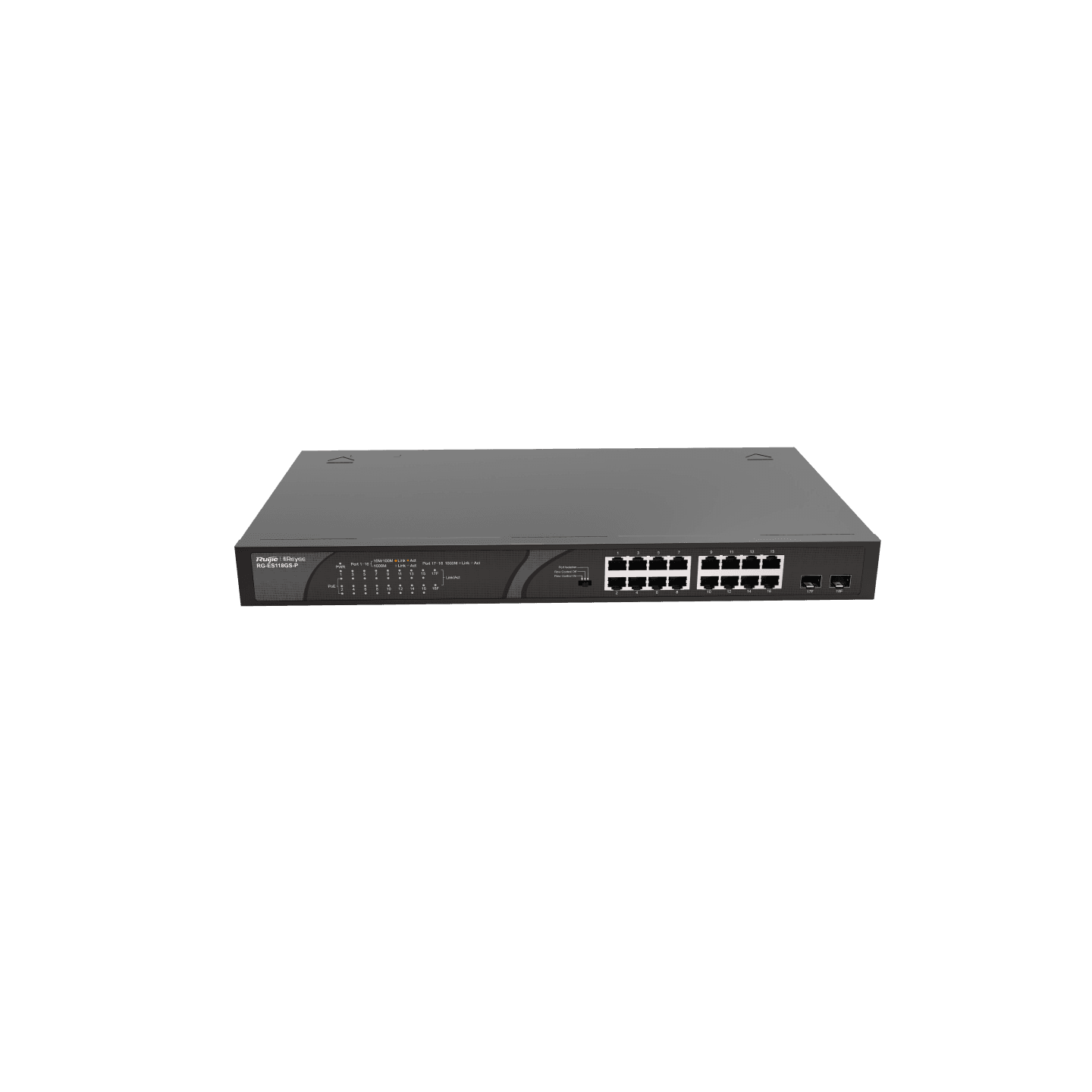
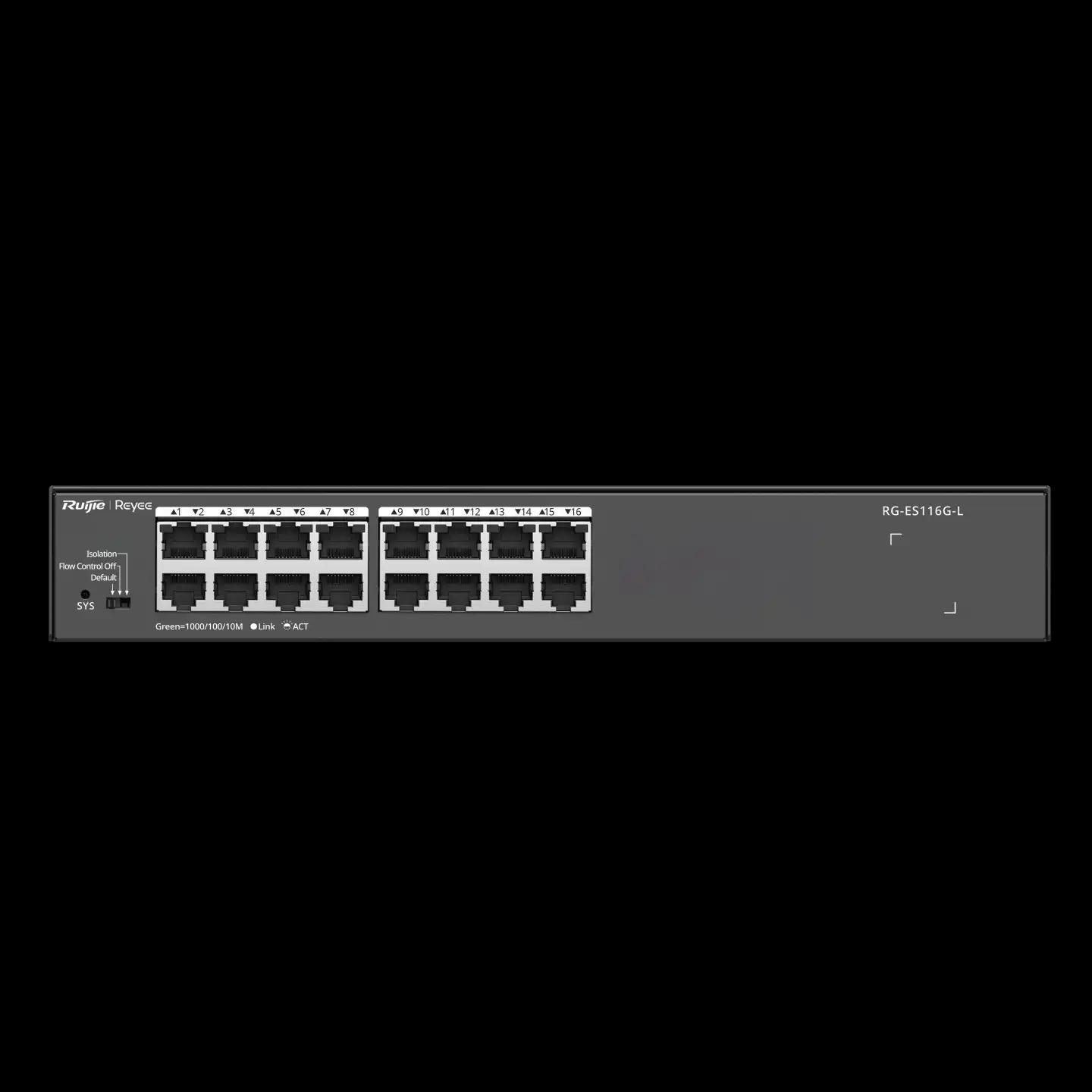
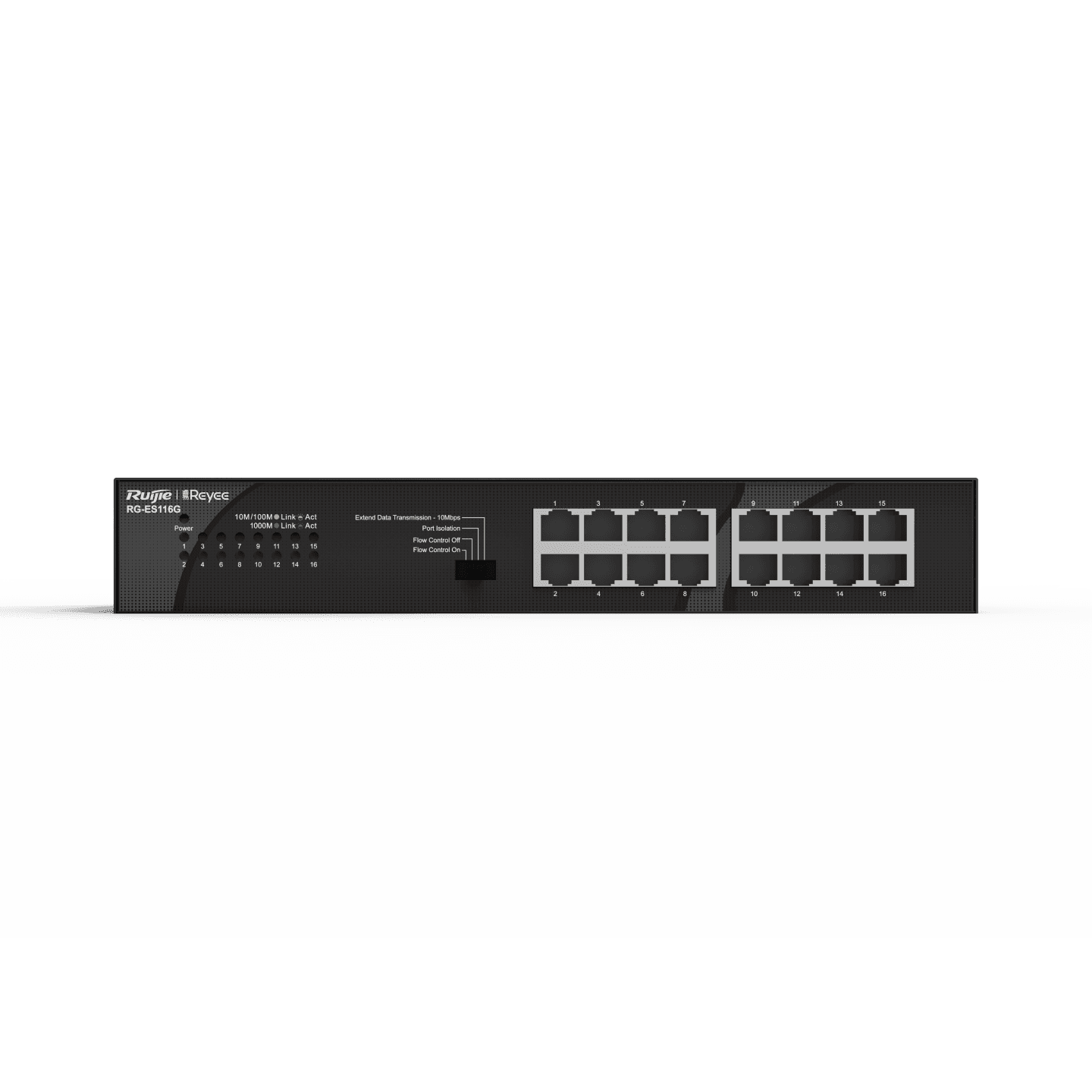
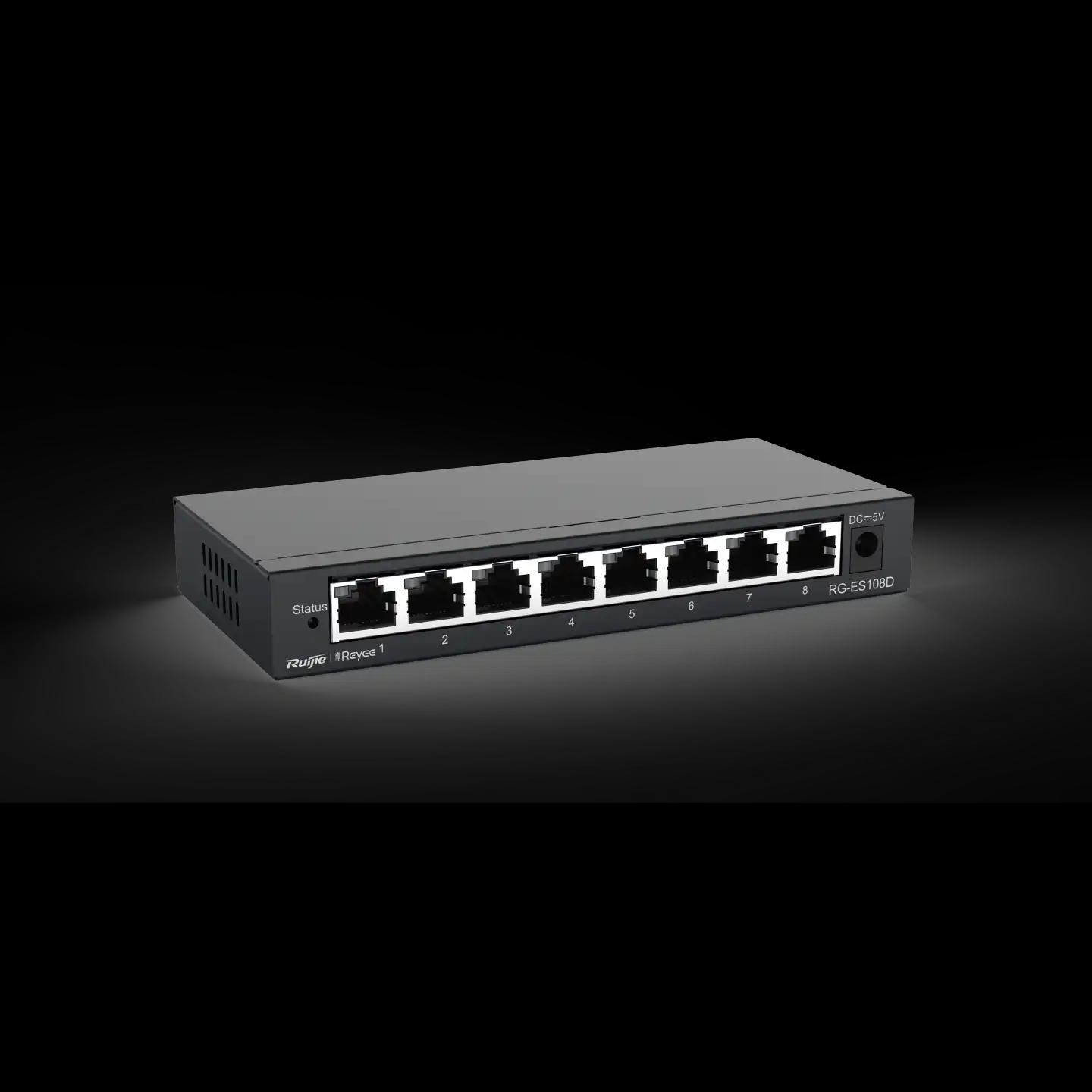
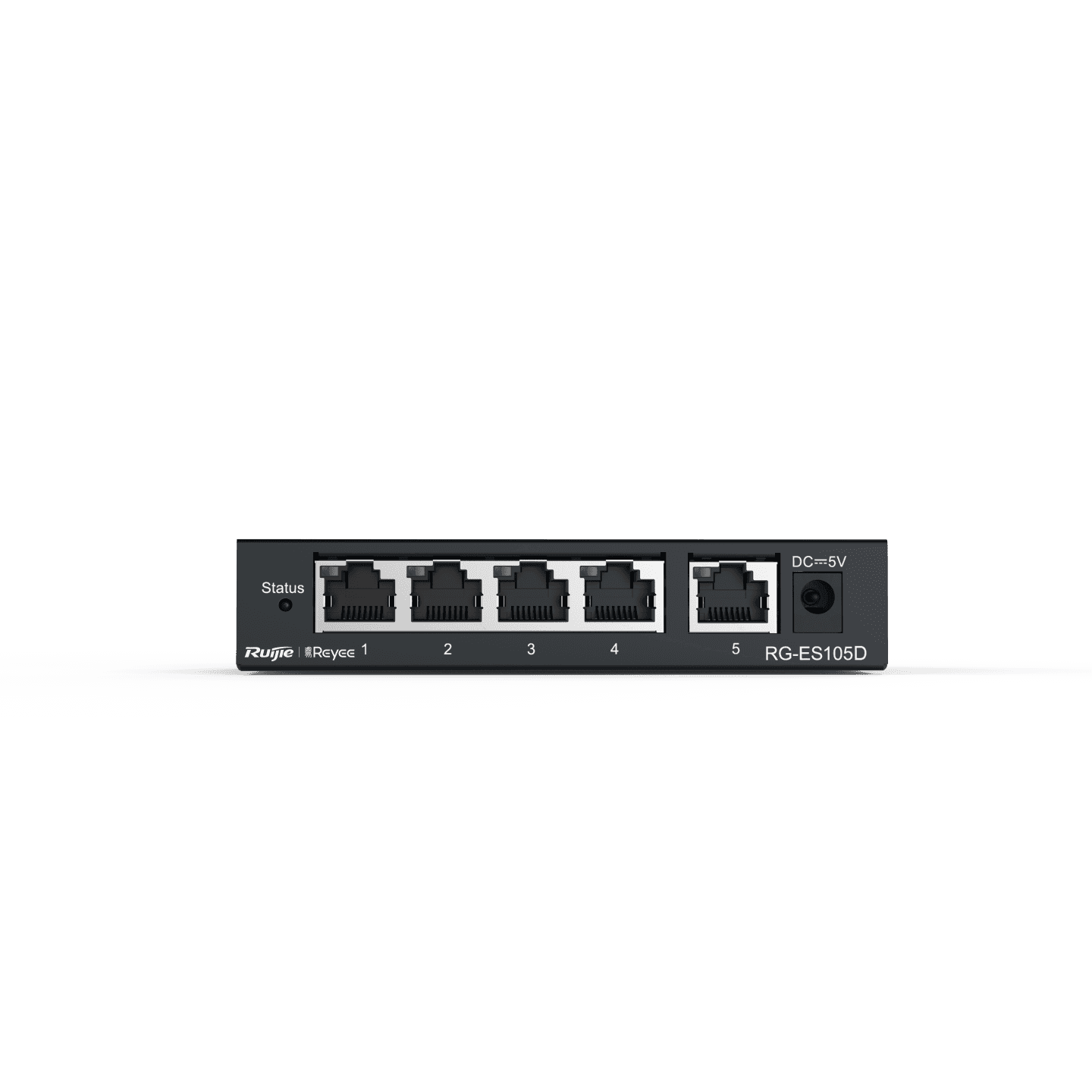
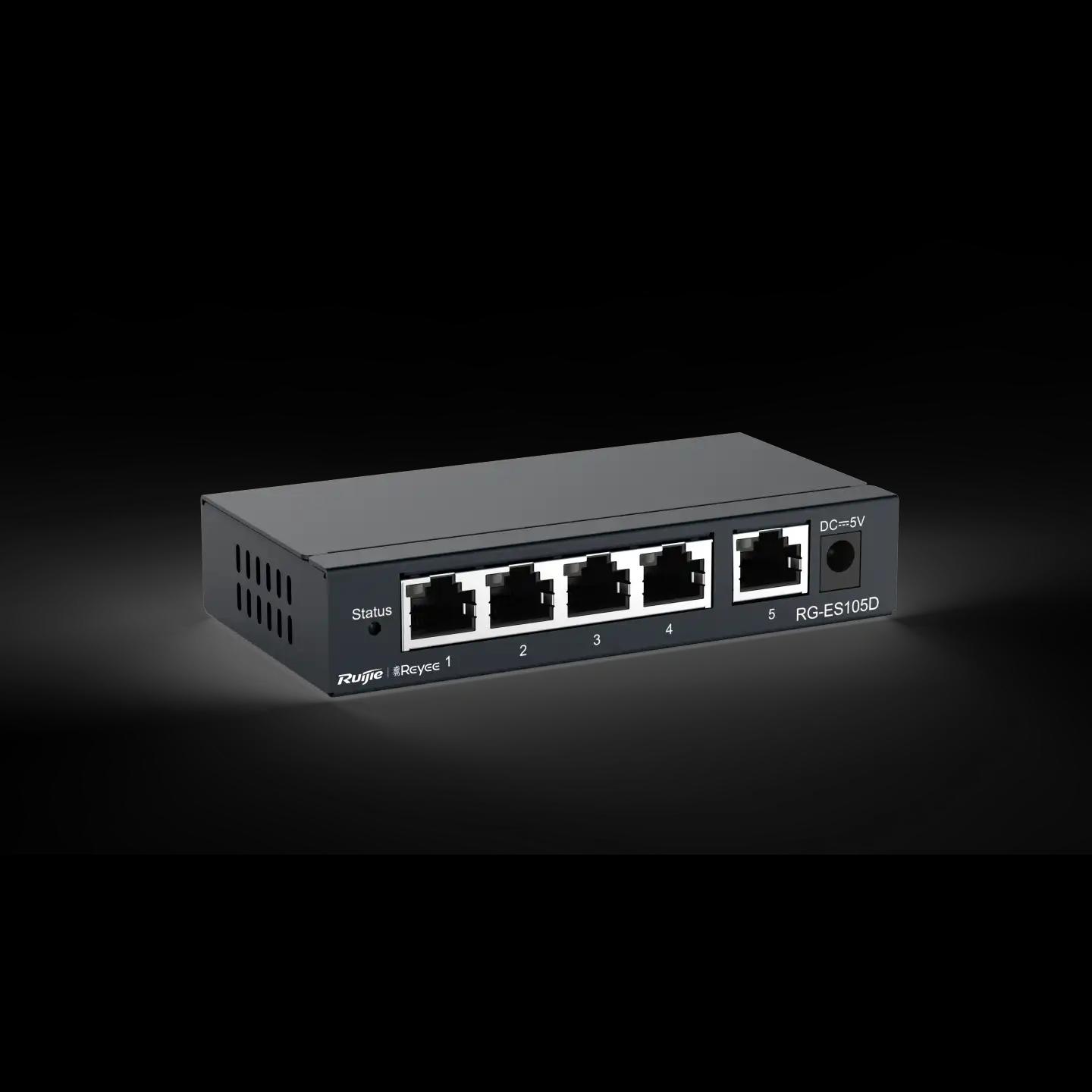
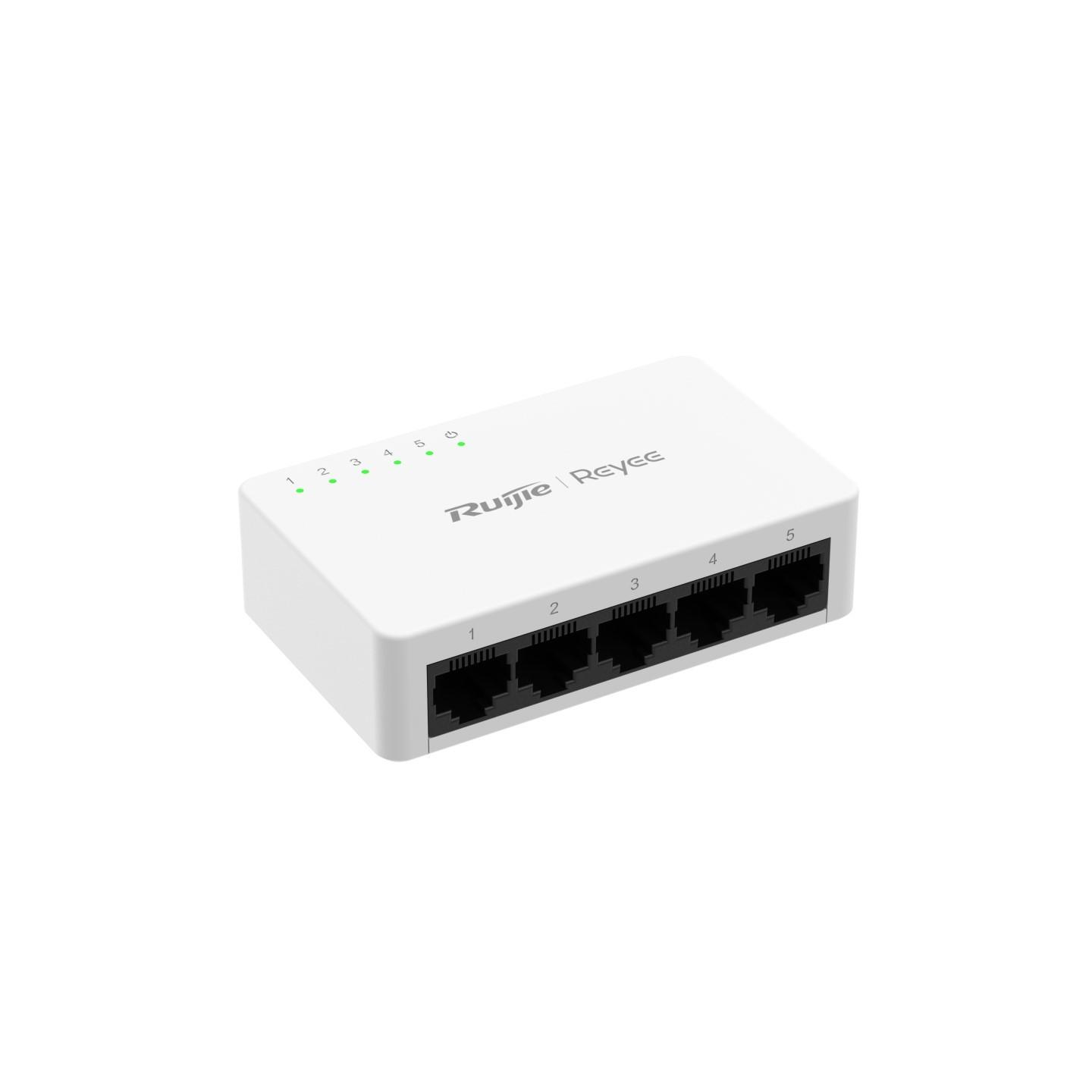
Safelincs currently offers managed and unmanaged switches with different port counts, including 5-, 8-, 10-, 16-, 18- and 24-port configurations.
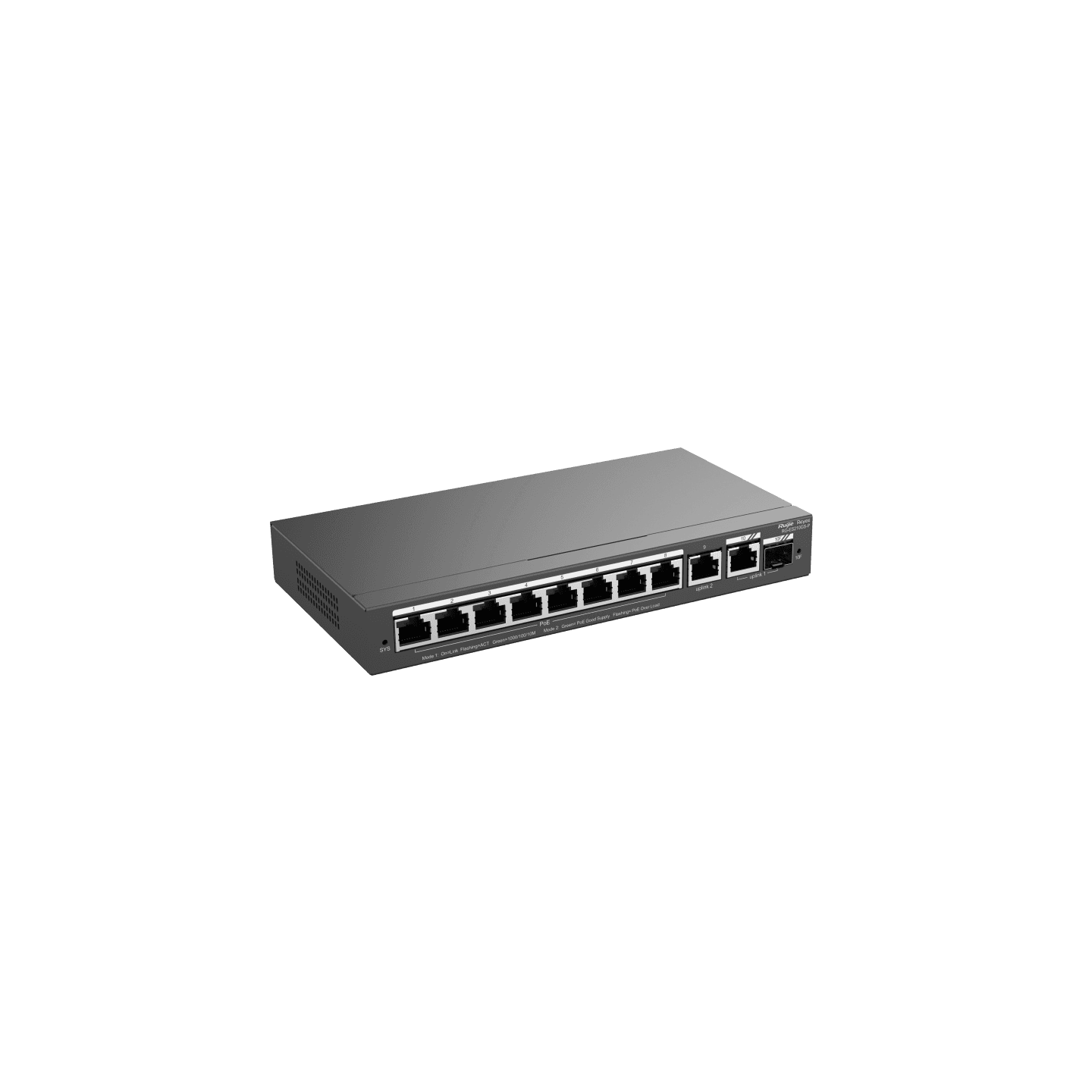
One example is the RG-ES210GS-P 10-Port Gigabit Smart Cloud Managed PoE Switch, which is part of the Ruijie/Reyee network-switch range.
Businesses requiring other switching platforms can explore:
Safelinc’s Cisco range currently includes models with Gigabit Ethernet, PoE and SFP/SFP+ uplink configurations, while the Aruba section includes Instant On switch options.
PoE in Wireless Network Infrastructure
Power over Ethernet (PoE) allows compatible network devices to receive electrical power and network data through Ethernet cabling.
A common wireless-network configuration is:
PoE Switch → Cat6 Ethernet → Wireless Access Point
This reduces the need for a separate electrical outlet at every access-point location and makes centralized network deployment easier.
Before selecting a PoE switch, check:
PoE standard supported by the device
Required watts per access point
Total switch PoE budget
Number of PoE ports
Ethernet speed
Uplink capacity
For example, the Cambium XV2-2X AP listed by Safelincs supports 802.3at PoE and has a 2.5 GbE Ethernet interface, illustrating why both power requirements and data uplink speed should be considered when selecting the switch.
Gigabit Ethernet & Network Bottlenecks
A technically correct wireless network solution should consider the entire data path.
For example:
Internet → Router → Switch Uplink → Access Point → Wireless Client
If one connection in this path has significantly lower capacity, it can become a network bottleneck.
Important specifications include:
WAN port speed
LAN port speed
Switch uplink speed
Access-point Ethernet interface
WiFi radio capacity
Internet bandwidth
Many current switches listed on the Safelincs parent page use 10/100/1000 Mbps Gigabit interfaces, while some smaller products still use 10/100 Mbps Fast Ethernet.
This difference becomes more important where networks handle high-bandwidth applications such as:
Video conferencing
Cloud applications
CCTV streams
Large file transfers
Multiple WiFi users
Network storage
Managed vs Unmanaged Network Switches
An unmanaged switch is generally designed for straightforward Ethernet connectivity with minimal configuration.
A managed switch can provide greater network control through supported features such as:
VLAN configuration
Port management
Traffic monitoring
Network segmentation
Link configuration
PoE management
Remote or cloud management
Safelincs currently lists both managed and unmanaged switch models within its Managed Network & PoE Switch category.
For larger commercial networks, managed switching can be useful where administrators need better visibility and control over different groups of connected devices.
VLANs & Network Segmentation
Network segmentation can help separate different types of network traffic. A business network, for example, may be logically divided into:
VLAN 10: Staff Network
VLAN 20: Guest WiFi
VLAN 30: CCTV Network
VLAN 40: VoIP
VLAN 50: Network Management
This allows different services to share physical network infrastructure while remaining logically separated when the selected network equipment supports the required VLAN functions.
When VLANs are required, confirm compatibility across the router, managed switches and wireless access points.
Wireless Network Solutions for Business
Business wireless network solutions should be designed according to user density and operational requirements rather than simply extending the range of one router.
A typical office or commercial network may use:
Internet → Router / Firewall → Managed Switch → PoE Switch → Multiple Wireless Access Points
This architecture can be used for:
Offices
Hotels
Schools
Restaurants
Retail stores
Warehouses
Hospitals
Multi-floor commercial buildings
Technical planning should consider:
Number of concurrent users
Number of WiFi devices
Coverage area
Building construction
Radio interference
Access-point placement
Ethernet backbone speed
PoE capacity
VLAN requirements
Guest WiFi
Network security
Future expansion
Using several properly positioned access points can provide a more scalable business network than attempting to cover a large building with a single wireless router.
Wireless Network Scalability
Network infrastructure should be planned for both current and future demand.
Before purchasing wireless network products, consider:
1. Switch Port Capacity: A network requiring 20 Ethernet connections immediately may be better designed around a 24-port or larger switching configuration rather than operating several small switches.
2. PoE Headroom: The total power requirement of connected access points and other PoE devices should remain within the switch's available PoE capacity.
3. Access Point Expansion: Additional users, rooms or floors may require additional APs.
4. Uplink Capacity: Higher client density can increase traffic between access switches and the network core.
5. Network Management: Cloud or centrally managed devices can simplify administration when multiple access points or switches are deployed.
Wireless Network Solutions by Brand
Safelincs provides networking products from several established networking brands.
1. Ruijie & Reyee: Explore Ruijie & Reyee Wireless Access Points, Ruijie & Reyee Routers and Ruijie & Reyee Network Switches.
2. Cambium Networks: Explore Cambium Access Points, including WiFi 6 wireless access-point options.
3. Aruba: Explore Aruba Access Points and Aruba Managed Network Switches.
4. Cisco: Explore Cisco Managed Network Switches for business and enterprise switching requirements.
5. MikroTik: Explore MikroTik Routers for routing and network infrastructure requirements.
How to Choose the Right Wireless Network Solution
Before selecting networking equipment, evaluate the complete network rather than individual product specifications.
1. Calculate Concurrent Users: Consider the maximum number of devices likely to connect at the same time.
2. Determine the Coverage Area: Evaluate floor area, walls, building materials and outdoor coverage requirements.
3. Estimate Bandwidth Requirements: Video calls, cloud applications, CCTV and file transfers can increase network demand.
4. Select the Correct WiFi Technology: Choose access points according to required wireless performance, client density and compatibility.
5. Plan Ethernet Infrastructure: Check Gigabit or higher uplink requirements between routers, switches and access points.
6. Calculate PoE Requirements: Confirm both per-device power requirements and the switch's total PoE capacity.
7. Decide Between Managed and Unmanaged Switching: Use managed equipment when features such as VLANs, remote administration or greater traffic control are required.
8. Plan for Expansion: Keep spare ports, PoE capacity and access-point scalability available for future growth.
Why Buy Wireless Network Products from Safelincs Tech?
Safelincs Tech provides wireless networking solutions and products in Nepal across the main layers of network infrastructure.
Customers can explore: Wireless Access Points, Routers & Firewalls, Managed Network & PoE Switches, Cisco Network Switches, Aruba Networking Products, Ruijie & Reyee Network Products and MikroTik Routers
The correct wireless networking solution should combine compatible routers, switches, PoE infrastructure and access points according to network capacity, coverage and management requirements.
Frequently Asked Questions
1. What is a wireless network solution?
A wireless network solution combines networking equipment such as routers, Ethernet switches and wireless access points to provide wired and WiFi connectivity across a home, office or commercial property.
2. What equipment is required for a business wireless network?
A typical business network may include a router or firewall, managed network switches, PoE switches, wireless access points and Ethernet cabling. The exact equipment depends on user count, coverage, bandwidth and network-management requirements.
3. What is the difference between a router and an access point?
A router connects and manages networks, typically providing the gateway between a LAN and the internet. A wireless access point mainly provides WiFi connectivity to an existing wired network.
4. What is a PoE switch?
A PoE switch can transmit compatible network data and electrical power through Ethernet cabling, allowing supported access points and other PoE devices to operate without a separate local power connection.
5. What is the difference between managed and unmanaged switches?
An unmanaged switch generally provides straightforward Ethernet connectivity. A managed switch offers configurable network-management functions such as VLANs, monitoring or port control where supported.
6. Is Gigabit Ethernet important for wireless networks?
Gigabit Ethernet can be important when multiple devices or high-performance access points transfer significant amounts of data. The wired network should provide sufficient capacity to prevent the Ethernet backbone from limiting wireless performance.
7. How many wireless access points does a business need?
The required number depends on building size, construction materials, user density, interference, AP capability and expected traffic. Larger or multi-floor properties may require several access points positioned according to a proper coverage plan.